

How assistive technology supports daily life
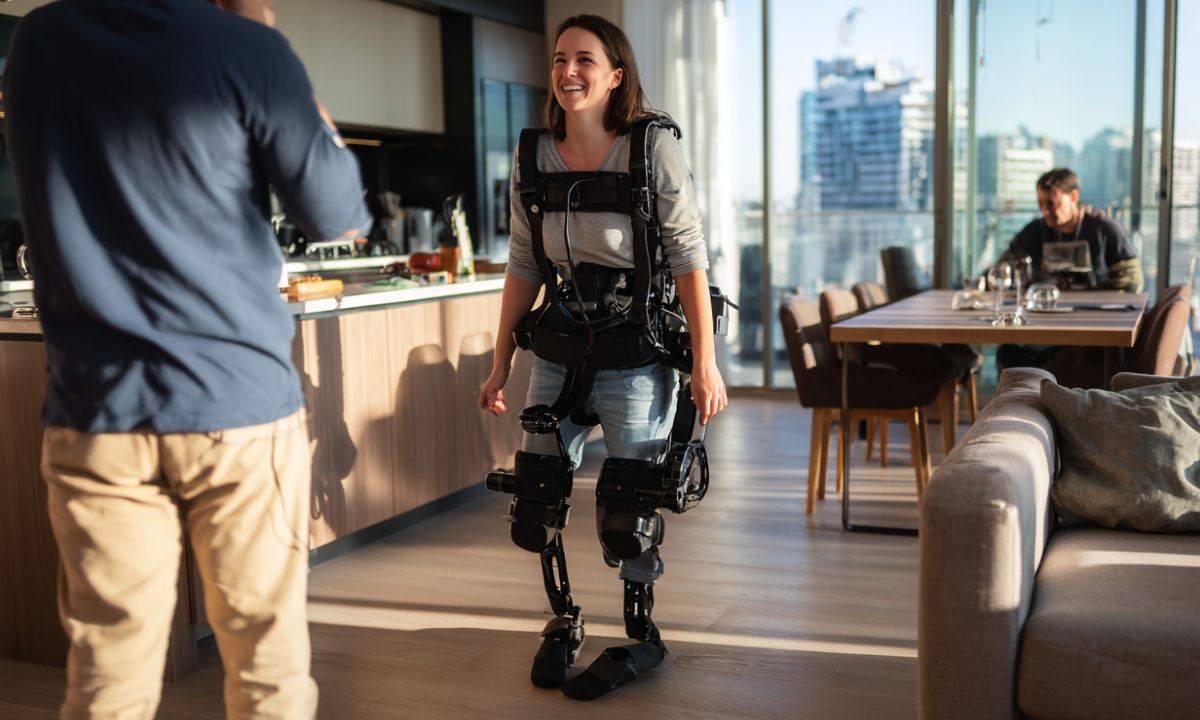
Assistive technology bridges the gap between physical limitations and functional independence. Defined by the Assistive Technology Industry Association as any item or system used to increase, maintain, or improve functional capabilities, these tools range from simple button hooks to complex digital solutions. The goal is always practical: making daily tasks accessible and manageable without relying on others.
For many users, these tools are the difference between needing assistance and handling life on their own terms. A voice-activated smart home hub allows someone with limited mobility to control lights and doors. A screen reader enables a visually impaired person to navigate emails and documents independently. These are not luxuries; they are essential utilities for autonomy.
The landscape of assistive technology is vast. Choosing the right tool depends on specific daily challenges and personal preferences. In the following sections, we will explore concrete products that deliver real-world independence.
Screen readers that turn digital content into speech
Screen readers are the bridge between visual interfaces and auditory information, allowing users to navigate websites, documents, and applications without relying on sight. In 2026, the leading tools have moved beyond simple text-to-speech engines to become sophisticated navigation assistants. They interpret complex layouts, manage focus order, and provide context for images and forms through detailed descriptions.
Modern screen readers differentiate themselves through platform integration and artificial intelligence. Tools like JAWS and NVDA offer deep customization for Windows environments, while VoiceOver is seamlessly embedded in Apple’s ecosystem. Emerging features include AI-driven image description, which automatically generates alt text for untagged images, reducing the manual effort required for web accessibility. These advancements ensure that users can maintain independence across both desktop and mobile devices.
Choosing the right screen reader often depends on your primary operating system and budget. Some tools are free and open-source, while others require a one-time purchase or subscription for premium features. The following products represent the most reliable options for achieving full digital independence.


As an Amazon Associate, we may earn from qualifying purchases.
One-handed keyboards for motor control
Standard QWERTY layouts demand precise finger independence and significant hand movement, which can be exhausting or impossible for users with limited mobility. One-handed keyboards solve this by compressing the full keyboard into a single, ergonomic form factor. These devices use split layouts and specialized switch technologies to maximize typing speed and accuracy with minimal physical effort.
Instead of forcing the hand to stretch across a wide surface, these keyboards place frequently used letters under the strongest fingers. Some models feature curved or contoured shapes that keep the wrist in a neutral position, reducing strain during long writing sessions. Others offer programmable layers, allowing a single key to trigger complex commands or multiple characters depending on how it is pressed.
Choosing the right one-handed keyboard depends on the level of motor control available. Users with stable but limited range of motion might prefer a compact layout with tactile feedback, while those with tremors may benefit from switches with adjustable actuation points. The goal is to find a tool that adapts to the user’s natural movement patterns rather than forcing the user to adapt to the tool.


As an Amazon Associate, we may earn from qualifying purchases.
Speech-to-text software for hands-free input
Voice recognition tools have evolved from simple dictation assistants into robust platforms that empower users to write, code, and control devices without physical input. For individuals with limited mobility, repetitive strain injuries, or visual impairments, these tools remove the friction of typing, allowing for faster communication and greater independence. Modern dictation software now offers near-real-time accuracy across multiple languages and dialects, making it a practical daily driver rather than a novelty.
The latest generation of engines relies on advanced neural networks to understand context, slang, and industry-specific terminology. This means you can speak naturally without pausing for every correction. Many tools also feature offline capabilities, ensuring that private conversations remain local and that dictation works even without a stable internet connection. This reliability is essential for users who need consistent access to their devices in various environments.
When choosing a dictation tool, consider platform compatibility, accuracy in noisy environments, and privacy controls. Below is a comparison of leading options to help you find the right fit for your workflow.
| Tool | Accuracy Level | Platforms | Offline Mode |
|---|---|---|---|
| Google Voice Typing | High (Context-aware) | Android, Chrome, Docs | Limited |
| Apple Dictation | Very High (On-device) | iOS, macOS | Yes |
| Dragon Medical One | Expert (Medical) | Windows, Web | No |
| Windows Speech Recognition | Good | Windows 10/11 | Yes |
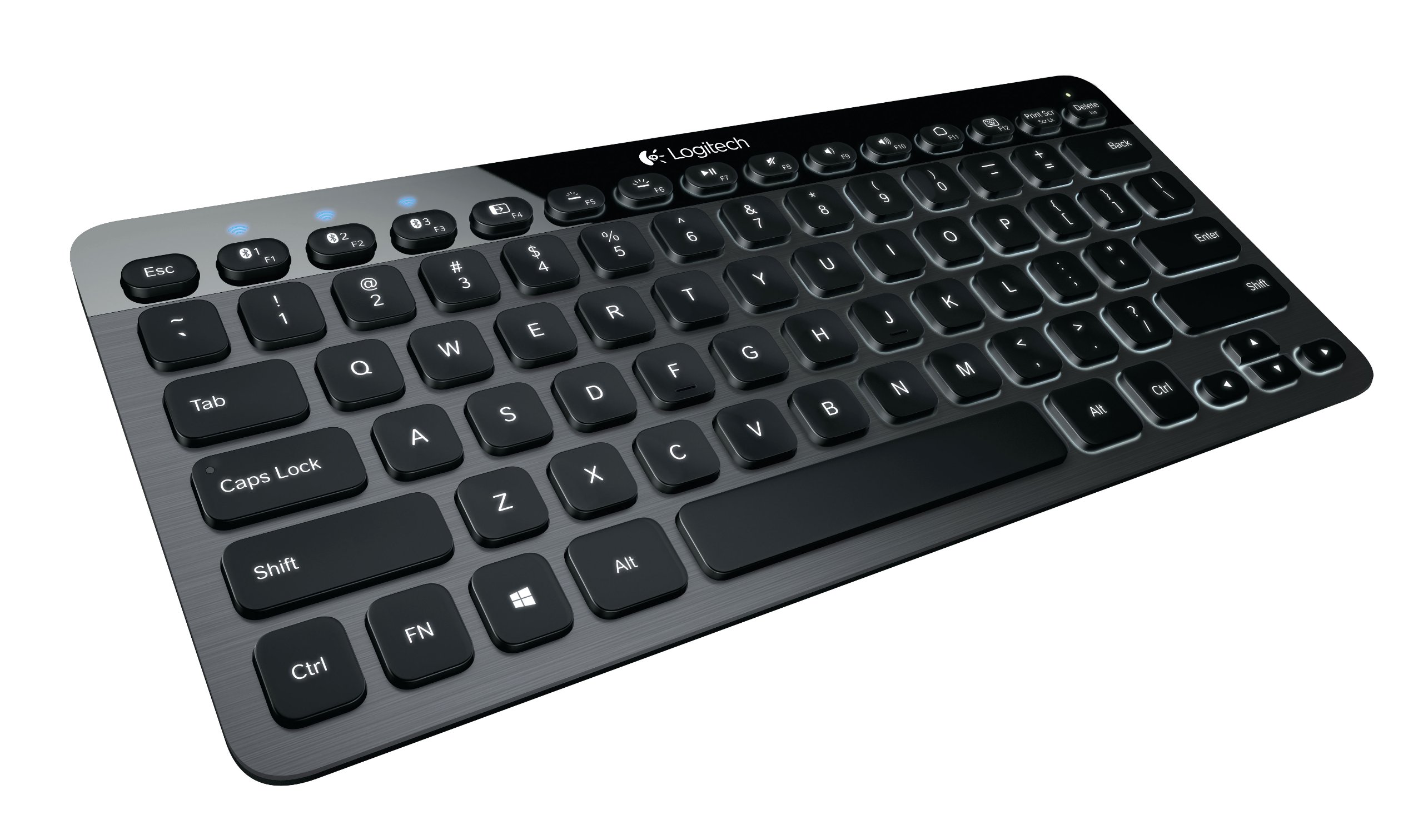
For users looking to purchase standalone speech-to-text hardware or specialized keyboards with built-in recognition, the following products are popular choices for enhancing accessibility.


As an Amazon Associate, we may earn from qualifying purchases.
Choosing the right assistive technology
Selecting assistive technology is less about finding the "best" tool and more about finding the one that fits your daily life. The goal is independence, so the device must integrate smoothly with your existing habits and hardware. A tool that sits unused on a shelf offers no benefit, regardless of its features.
Start by checking compatibility. If you already rely on a specific smartphone or computer, look for software and accessories that support those platforms. Many modern assistive apps are cross-platform, but hardware like hearing aids or specialized switches often require specific operating systems or Bluetooth standards. Verify that the new tool can talk to the devices you use every day before you commit.
Trial periods are your best defense against buyer’s remorse. Reputable manufacturers and rental programs often allow you to test a device for a week or two. This hands-on time reveals whether a screen reader is fast enough for your workflow or if a voice control system responds accurately in a noisy room. If a free trial isn't available, seek out local libraries or community centers that lend equipment.
Finally, consult an occupational therapist or assistive technology specialist. These professionals can assess your specific physical or cognitive needs and recommend tools that match your capabilities. They can also help you troubleshoot setup issues and ensure you are using the device in the most efficient way possible. Their expertise can save you time and prevent you from purchasing incompatible or overly complex solutions.

As an Amazon Associate, we may earn from qualifying purchases.
Common questions about assistive technology
Assistive technology covers any item, equipment, or software that helps maintain or improve functional capabilities. While the range of tools is broad, the goal is always practical independence. Here are answers to frequent questions about cost, coverage, and getting started.
No comments yet. Be the first to share your thoughts!