

How AI changes screen reading
Screen readers are the lifeline for digital access, but they often feel like rigid tools rather than smart assistants. Most current software reads text without grasping the intent behind it. New developments are shifting this, creating tools that recognize the difference between a navigation menu and a blog post, adjusting their behavior based on how you actually work.
This isn’t simply about faster speech synthesis. AI is enabling contextual awareness, meaning the screen reader can identify headings, lists, and other structural elements to provide a more organized and navigable reading experience. Predictive text, powered by machine learning, can anticipate what you’re trying to type, reducing errors and improving efficiency. And perhaps most importantly, AI is allowing for personalized reading profiles, adapting to individual preferences and learning styles.
Traditional screen readers often struggle with complex web elements – dynamic content, JavaScript-heavy sites, and poorly coded HTML. These elements can create a fragmented and frustrating experience. AI algorithms are becoming adept at interpreting these complexities, identifying the essential information and presenting it in a clear and concise manner. This is a significant step forward in making the web truly accessible.
We are moving from tools that simply announce text to software that interprets the layout. This change makes complex sites usable rather than just readable.
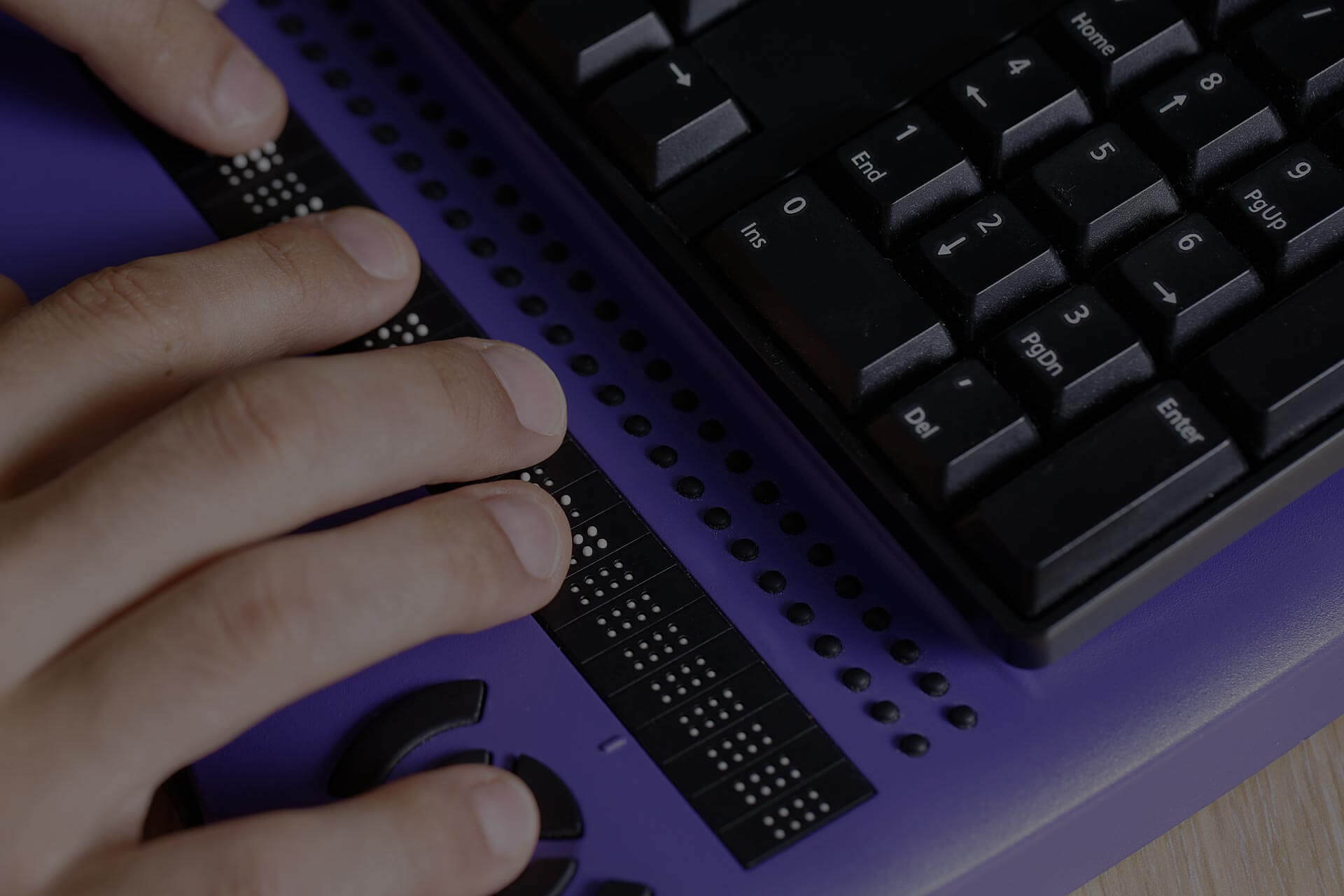
NVDA 2026: open-source improvements
NVDA (NonVisual Desktop Access) has long been the go-to choice for many screen reader users, largely due to its robust feature set and, crucially, its open-source nature. This means a global community of developers is constantly contributing to its improvement, and by 2026, we can expect that community-driven development to be heavily focused on AI integration. The current version is already impressive, handling a wide range of applications and file formats, but the potential for growth is enormous.
One area where AI will significantly enhance NVDA is natural language processing (NLP). Handling complex web elements, like those found on modern JavaScript frameworks, requires a deep understanding of the underlying code. AI-powered NLP can analyze these elements and present them in a way that is easily understandable to the user. This will be particularly noticeable when navigating dynamic content and interactive web applications.
Improved Optical Character Recognition (OCR) accuracy is another key area of development. While NVDA already supports OCR, AI algorithms can dramatically improve its ability to accurately recognize text in images and scanned documents. This is vital for accessing information that isn’t available in a digital format. The NVDA community has already begun experimenting with AI-powered OCR plugins, and we can anticipate more sophisticated solutions by 2026.
NVDA’s browser compatibility is strong, supporting Chrome, Firefox, and Edge, and it continues to improve its handling of various file formats, including PDF and Microsoft Office documents. The open-source nature means rapid responses to changes in web standards and application updates. I think the biggest advantage NVDA has is its adaptability. The community is quick to address issues and integrate new features, making it a very responsive tool.
JAWS 2026: enterprise features
JAWS (Job Access With Speech) is the dominant commercial screen reader, widely used in professional settings. As a commercial product, its development roadmap is less transparent than NVDA’s, but Freedom Scientific has consistently emphasized its commitment to accessibility and innovation. By 2026, I expect JAWS will leverage AI to further solidify its position as the preferred choice for enterprise users.
A key focus for JAWS will likely be deeper integration with enterprise software suites like Microsoft Office and SAP. AI can be used to automate tasks, streamline workflows, and provide intelligent assistance within these applications. For example, AI could automatically identify and label data tables, or suggest appropriate formatting options. This level of integration can significantly improve productivity for professionals who rely on these tools.
JAWS is known for its powerful scripting capabilities, allowing users to customize its behavior and automate tasks. AI will likely enhance these scripting capabilities, making it easier to create complex macros and automate repetitive actions. This could involve using AI to generate scripts based on natural language commands or to optimize existing scripts for performance.
Compared to NVDA, JAWS comes with a price tag, and its development is driven by a commercial entity. This means decisions are often made based on market demand and profitability. While NVDA benefits from rapid, community-driven innovation, JAWS offers a more polished and thoroughly tested experience, and a dedicated support team. The choice between the two often comes down to budget and specific needs.
Orca and the GNOME desktop
Orca is the default screen reader for the GNOME desktop environment, and while it often flies under the radar, it’s a powerful and increasingly capable option, particularly for users who prefer a fully open-source solution. Its integration with GNOME’s accessibility framework is a major strength, and AI advancements are poised to further enhance its capabilities. It’s a solid choice for Linux users.
AI can significantly improve Orca’s handling of dynamic content and complex web applications. By leveraging machine learning algorithms, Orca can better understand the structure and semantics of web pages, providing a more accurate and consistent reading experience. This is especially important for modern web applications that rely heavily on JavaScript and AJAX.
One area where Orca could benefit from AI is in its ability to automatically detect and announce changes to the screen. AI algorithms can analyze screen updates and identify the most relevant information to present to the user, reducing clutter and improving efficiency. This is particularly useful for applications that update frequently, such as social media feeds and chat applications.
However, Orca’s development relies heavily on community contributions, and its pace of innovation can be slower than that of NVDA or JAWS. It’s also less widely supported by third-party applications. Despite these limitations, Orca is a viable option for users who prioritize open-source software and are comfortable with a slightly more technical setup.
Beyond the Big Three: Emerging AI Screen Readers
While NVDA, JAWS, and Orca dominate the screen reader market, several newer players are emerging, often focusing on specific niches or pioneering new AI techniques. VoiceDream Reader is a notable example, specializing in mobile reading and document access. It’s known for its high-quality text-to-speech voices and its ability to handle a wide range of file formats.
What sets these smaller players apart is their willingness to experiment with innovative AI approaches. Some are exploring the use of generative AI to create personalized reading experiences, automatically summarizing content, or translating text into different formats. Others are focusing on improving the accuracy and reliability of voice recognition for hands-free control.
We’re also seeing a rise in browser extensions that add AI-powered features to existing screen readers. These extensions can provide features like automatic image description, content summarization, and improved navigation. While these extensions aren’t a replacement for a full-fledged screen reader, they can be a valuable addition to the toolkit.
It’s still early days for these emerging AI screen readers, but they represent a promising trend. They demonstrate that there’s still plenty of room for innovation in the field of assistive technology, and they offer users more choices and customization options.
- VoiceDream Reader handles mobile documents with high-quality voices.
- Browser extensions like those from UserWay add image descriptions and summaries to existing readers.
Featured Products
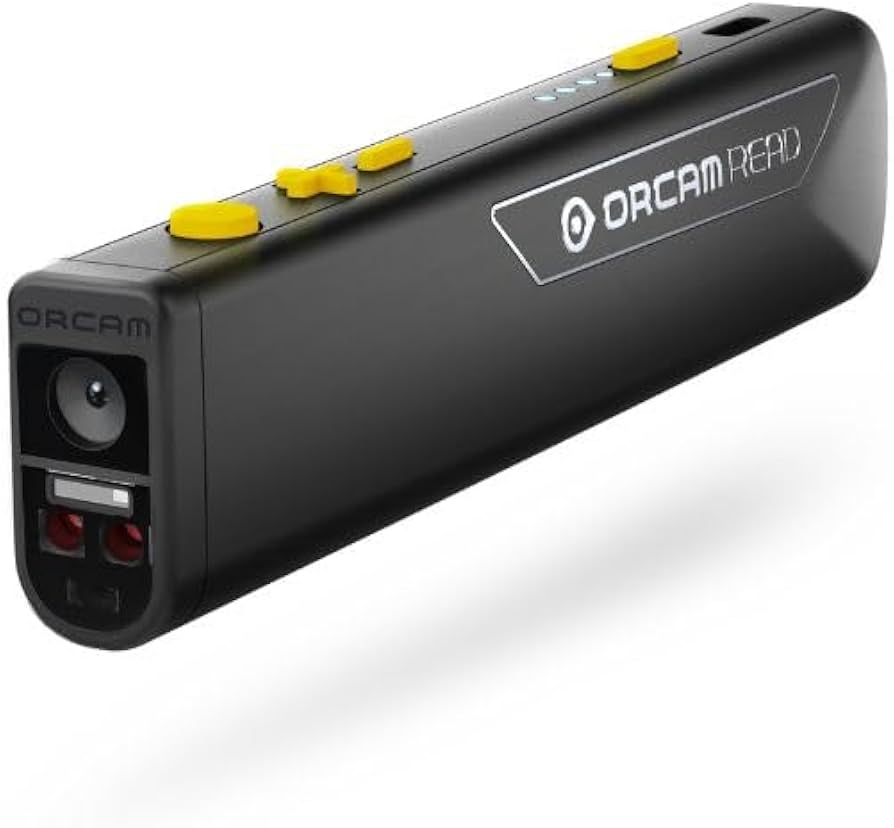
Advanced AI-powered voice recognition for natural language understanding · Intelligent navigation through complex documents and web pages · Customizable speech output and reading speeds
The Orion V3 AI Screen Reader offers cutting-edge voice recognition and smart navigation, making it a foundational tool for advanced AI-assisted reading experiences.
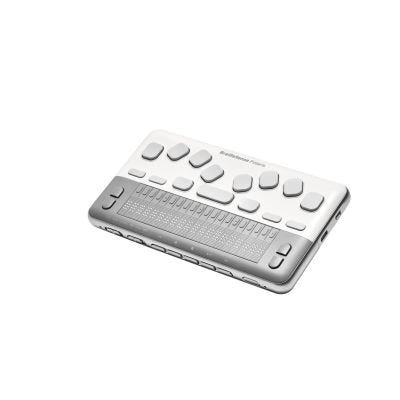
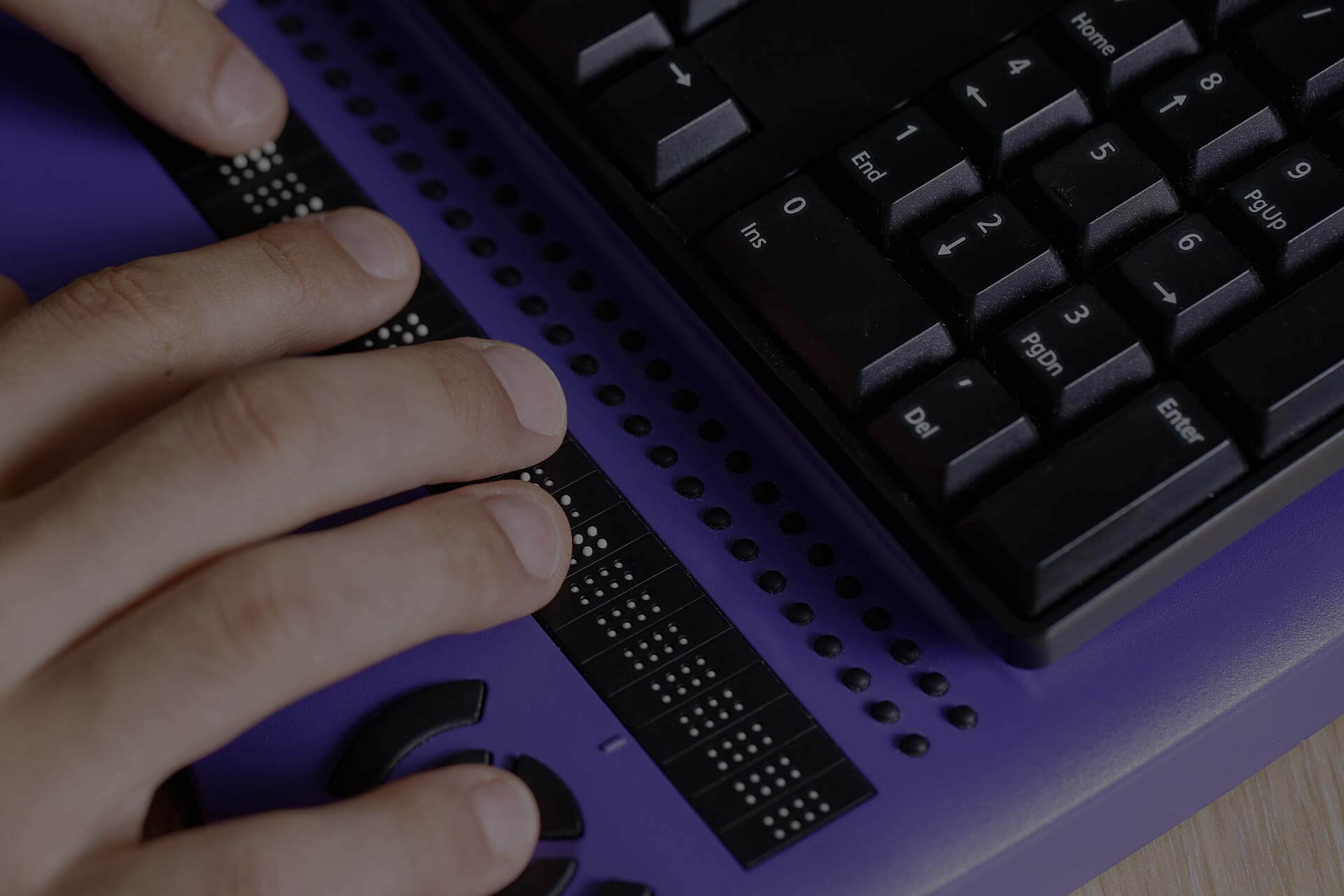
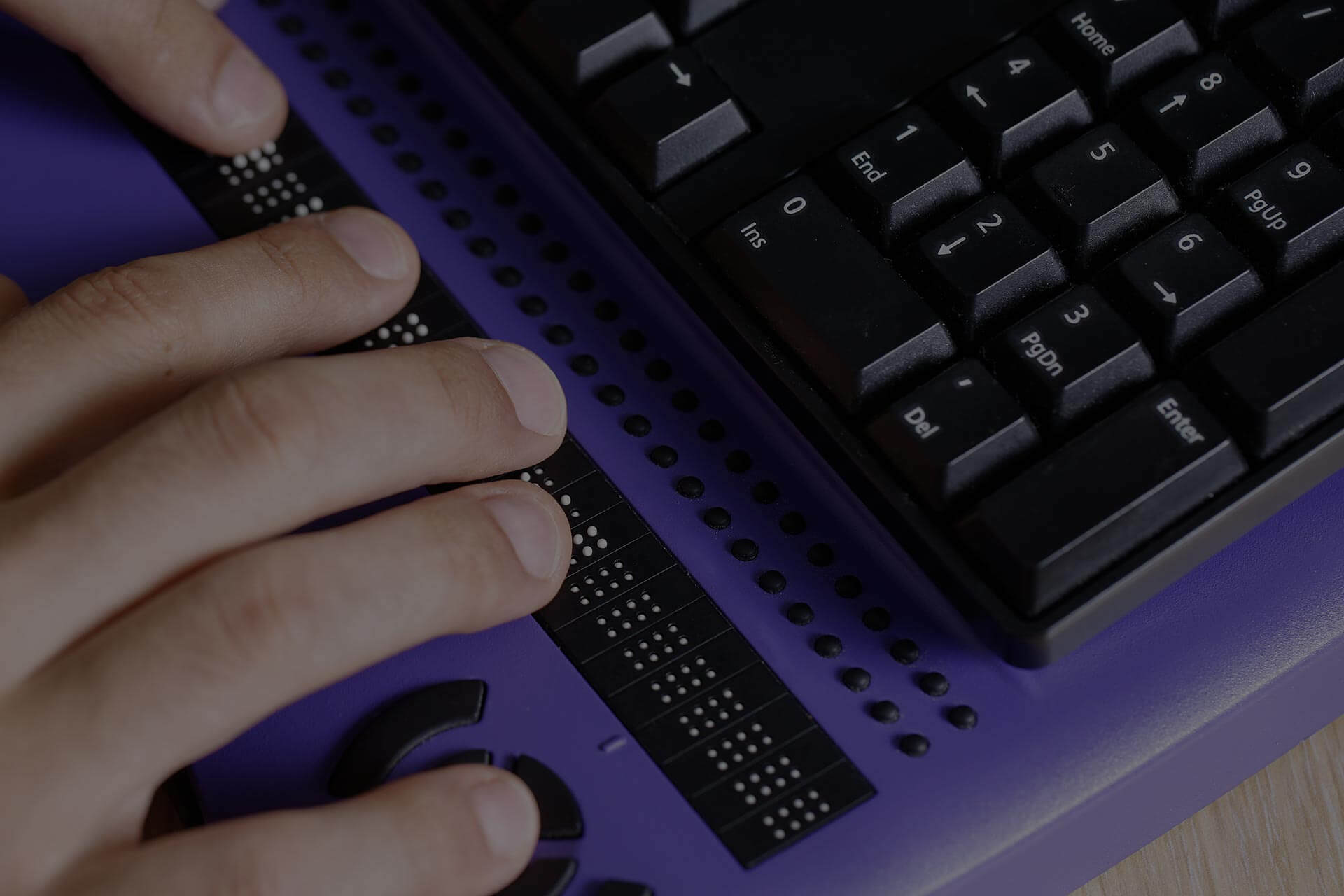
High-quality 8-dot Perkins-style braille input/output · Integrated smart navigation keys for efficient document control · Wireless connectivity for seamless integration with computers and mobile devices
The HIMS BrailleSense Polaris provides essential tactile feedback and smart navigation, complementing AI screen readers by offering a direct braille interface for information.

Immersive Spatial Audio for a more engaging listening experience · World-class noise cancellation to eliminate distractions · Up to 30 hours of playtime on a single charge
Bose QuietComfort Ultra headphones deliver superior audio clarity and noise cancellation, enhancing the auditory experience of AI-powered screen readers.

Reads printed text aloud with high accuracy · Phonics assistance for educational support · Assistive web app for digital integration and study tools
The Scanmarker Max Reading Pen enables efficient capture and auditory playback of printed text, bridging the gap between physical documents and digital accessibility.

Strategies for automating business processes · Guidance on building authority in a niche · Methods for scaling income through automation
While not a direct assistive technology, 'The AI Conversion System' offers insights into leveraging AI for business efficiency, which can indirectly support users by creating more accessible digital content and services.
As an Amazon Associate I earn from qualifying purchases. Prices may vary.
AI-powered web navigation
The screen reader is only one part of the equation. Truly accessible web experiences require websites to be designed with accessibility in mind. Fortunately, AI is increasingly being used to automate the process of identifying and correcting accessibility issues. Tools like accessiBe and UserWay use AI to scan websites and automatically fix common problems, such as missing alt text and insufficient color contrast. However, these tools aren’t a silver bullet, and they often require manual review to ensure accuracy.
AI can also help users navigate complex web layouts more easily. By analyzing the structure of a web page, AI can identify the main content areas and provide a simplified navigation experience. This can be particularly helpful for users with cognitive disabilities or those who are new to a website.
Generating alternative text for images and videos is another area where AI can make a significant impact. While AI-generated alt text isn’t always perfect, it can provide a basic description of the image, making it accessible to screen reader users. This is particularly important for websites with a large number of images.
AI can't fix a fundamentally broken website. Developers still need to write clean code and use proper ARIA labels; these tools are safety nets, not a replacement for accessible design.
One-Handed Input & Voice Control: Complementary Tech
For many users, interacting with a computer isn’t just about hearing the content; it’s about controlling the interface. Screen readers are powerful, but they’re most effective when combined with alternative input methods. One-handed keyboards, head-tracking devices, and speech-to-text software all play a crucial role in creating a seamless user experience.
One-handed keyboards, like the FrogPad, allow users to type with just one hand, which can be essential for individuals with limited mobility. Head-tracking devices, such as those offered by Tobii Dynavox, allow users to control the cursor with their head movements. These devices can be customized to provide a highly personalized and efficient input experience.
Speech-to-text software, like Dragon NaturallySpeaking, allows users to dictate text instead of typing. The accuracy and reliability of speech-to-text engines have improved dramatically in recent years, thanks to advancements in AI. This makes it a viable option for users who have difficulty with traditional input methods. Integrating voice commands with AI screen readers is a natural progression.
The key is integration. Being able to use voice commands to control the screen reader – to navigate, select text, or perform actions – creates a truly hands-free experience. Similarly, customizing a one-handed keyboard to work seamlessly with the screen reader can significantly improve efficiency. This synergy between input and output is crucial for maximizing accessibility.
AI-Powered Screen Reader Comparison - 2026
| Screen Reader | AI-Powered Features | Platform Compatibility | User Customization | Key Strengths |
|---|---|---|---|---|
| JAWS (Job Access With Speech) | Leverages machine learning for improved speech synthesis and contextual understanding. Enhanced form recognition. | Windows, Braille displays | Highly customizable speech settings, scripting capabilities, and hotkey assignments. | Industry standard, robust feature set, extensive Braille support. |
| NVDA (NonVisual Desktop Access) | Utilizes AI for more natural-sounding voices and improved object recognition on web pages. Growing AI-driven gesture support. | Windows | Extensive configuration options, customizable speech and Braille output, add-on support through community contributions. | Free and open-source, active community, strong web compatibility. |
| VoiceOver (Apple) | Integrates with Apple’s machine learning frameworks for intelligent document structure analysis and improved reading of complex content. Enhanced image description capabilities. | macOS, iOS, iPadOS, watchOS | Built-in to Apple devices, customizable speech rates and voices, gesture-based navigation. | Seamless integration with Apple ecosystem, easy to use, strong accessibility features. |
| ChromeVox | Employs Google’s AI for improved text-to-speech quality and better handling of dynamic web content. Continuously improving voice quality. | Chrome browser (cross-platform) | Simple interface, customizable speech settings, and keyboard shortcuts. | Free and readily available, good for basic web browsing, integrated with Chrome. |
| Orca | Utilizes AI to improve the accuracy of text recognition and navigation within graphical user interfaces. Focus on accessibility for Linux environments. | Linux | Highly configurable, supports multiple Braille displays, and integrates with GNOME accessibility infrastructure. | Open-source, strong Linux support, customizable for specific user needs. |
| Narrator (Microsoft) | Incorporates AI to enhance speech clarity and provide more descriptive feedback on screen elements. Improved support for modern web standards. | Windows | Built-in to Windows, customizable speech settings, and simple navigation. | Pre-installed on Windows, basic functionality, improving with AI integration. |
Illustrative comparison based on the article research brief. Verify current pricing, limits, and product details in the official docs before relying on it.

No comments yet. Be the first to share your thoughts!