

How voice recognition became accessible
The history of speech-to-text technology is, for a long time, a story of limited access. Early systems were clunky, required significant training, and struggled with anything beyond clear, standard speech. For people with disabilities – those with motor impairments, speech impediments, or learning differences – these limitations weren’t just inconveniences; they were barriers to participation. It wasn’t a question of making life easier, but of enabling it.
Machine learning changed the game. Deep learning allowed systems to handle accents and background noise without needing hours of voice training. Accuracy improved enough that the software became a practical tool rather than a frustrating experiment.
Today, we’re at a point where AI-powered speech-to-text is becoming remarkably sophisticated. Real-time transcription is commonplace, and many systems offer features like punctuation prediction and speaker identification. But the real story for 2026 isn’t simply about faster processing speeds or more accurate transcriptions. It’s about the increasing accessibility of these tools and their potential to unlock opportunities for people who were previously excluded. The technology is maturing, and the focus is now rightly shifting towards inclusivity.
We’re seeing a move away from one-size-fits-all solutions towards more personalized and adaptable systems. This is critical because the needs of individuals with disabilities are incredibly diverse. What works well for someone with a mild speech impediment might be completely unsuitable for someone with a severe motor impairment. The best speech-to-text solutions in 2026 will be those that prioritize customization and integration with other assistive technologies. It’s about building tools that empower users, not restrict them.
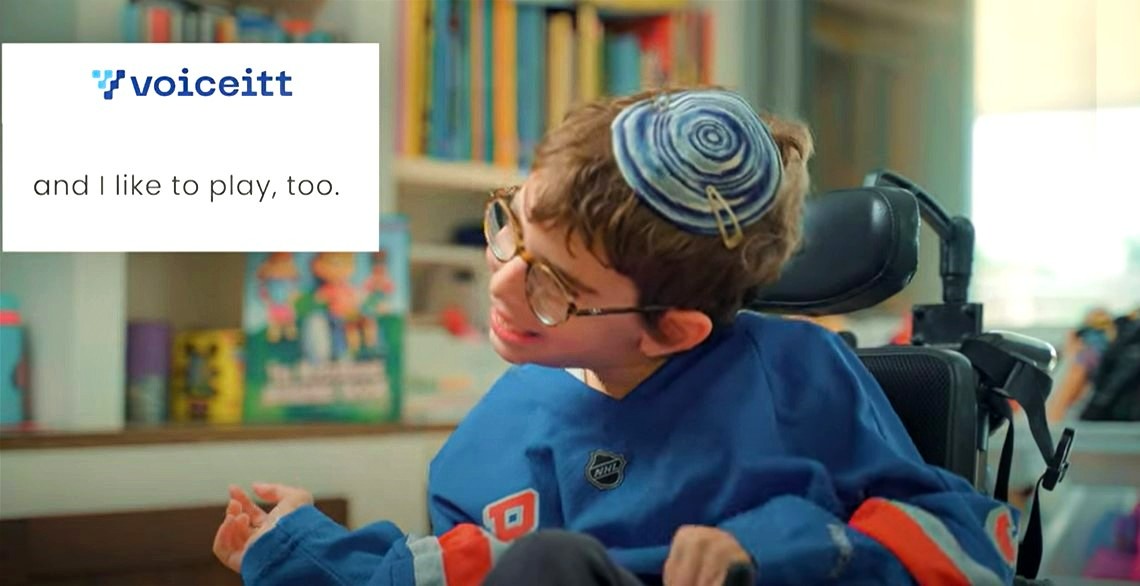
The best speech-to-text tools for 2026
The right software depends on your budget and how you speak. Dragon Professional Individual is still the most accurate choice in 2026. It costs about $200, but the specialized vocabularies for medical and legal work make it worth the price if you need high precision.
Windows Speech Recognition, built into the Windows operating system, is a solid free alternative. While it doesn't match Dragon in accuracy, it’s surprisingly capable and integrates seamlessly with Windows applications. It’s a good starting point for users who are new to speech-to-text or who have basic needs. The downside is limited customization; you’re largely stuck with the settings provided.
Google Cloud Speech-to-Text is a different beast altogether. It’s a cloud-based service designed for developers, but it’s also accessible to individual users through various third-party applications. Its strength lies in its scalability and its ability to handle multiple languages and accents. Pricing is based on usage, making it potentially cost-effective for occasional users, but costs can quickly add up with frequent use.
Otter.ai has become popular for its focus on transcription and collaboration. It excels at transcribing meetings and lectures in real-time, making it a valuable tool for students and professionals. Otter.ai offers a free tier with limited transcription minutes, with paid plans starting around $10 per month. It’s easy to use, but its accuracy isn’t quite on par with Dragon or Google Cloud.
Braina Pro, at around $70, is a more niche option, but it's worth considering if you want a virtual assistant built into your speech-to-text software. It can control your computer, play music, and perform other tasks using voice commands. However, its accuracy and feature set are generally less polished than Dragon or Otter.ai. It's a good all-in-one solution, but it doesn’t necessarily excel in any one area.
I’ve found that Dragon still holds an edge in pure accuracy, especially for users who are willing to invest the time in training the software to their voice. However, Otter.ai’s convenience and collaborative features make it a compelling choice for many. The cloud-based options, like Google Cloud Speech-to-Text, are powerful but require careful consideration of privacy implications.
Featured Products
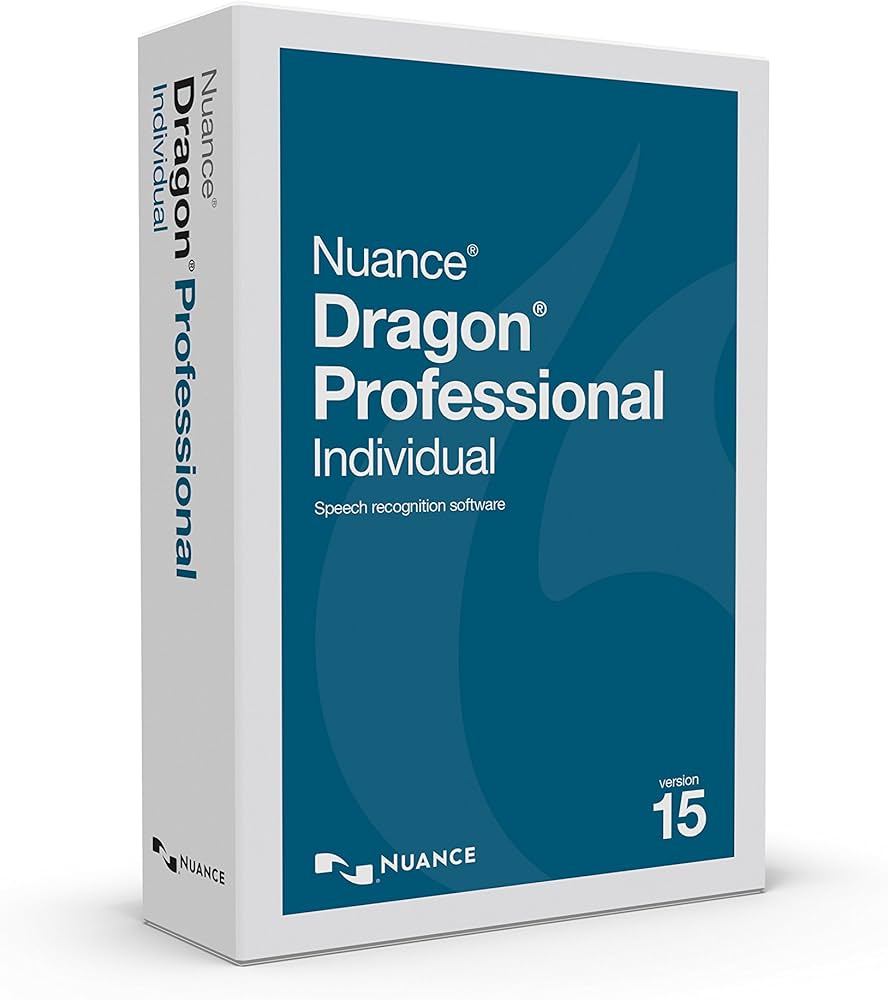
Industry-leading speech recognition accuracy · Customizable vocabulary for specialized terminology · Integration with popular applications
Dragon Professional Individual is a robust solution for accurate and efficient dictation, empowering users with advanced voice control.
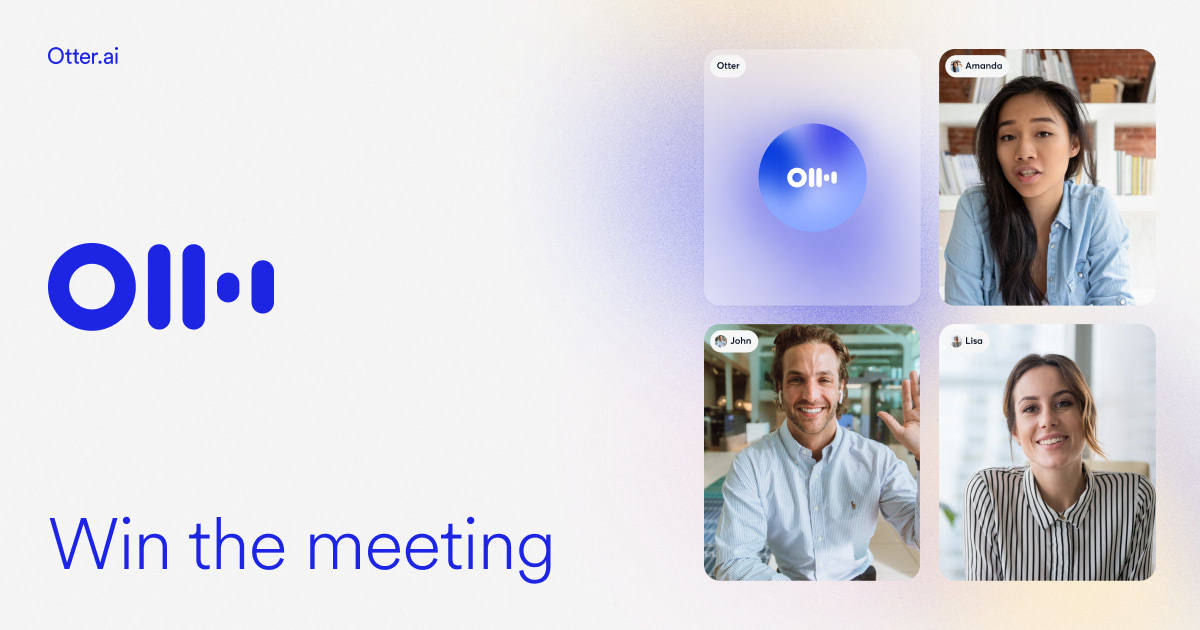
Real-time transcription of meetings and conversations · Speaker identification for clear dialogue separation · Searchable transcripts with keywords
Otter.ai provides highly accurate, AI-powered transcriptions that are ideal for capturing spoken content and making it easily accessible.
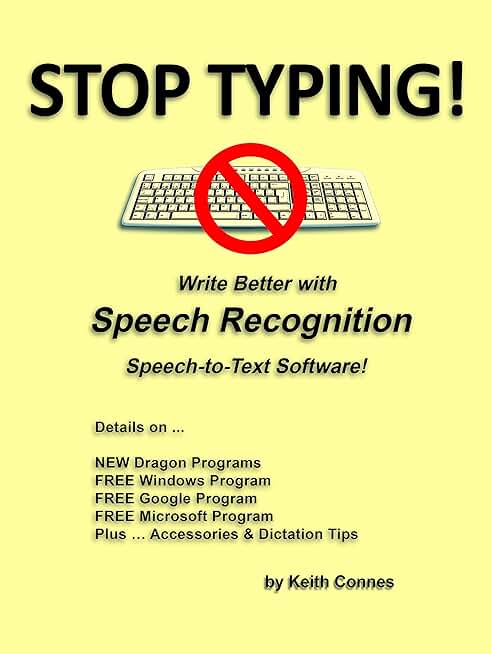
Focuses on improving writing through speech recognition · Aims to enhance productivity · Offers guidance on speech-to-text technology
This guide offers insights into leveraging speech recognition to improve writing efficiency and accessibility for users.

Portable digital voice recorder · Voice-to-text transcription capabilities · Built-in language translation and playback features
This versatile device combines voice recording with transcription and translation, offering a comprehensive solution for capturing and converting spoken words without ongoing fees.
As an Amazon Associate I earn from qualifying purchases. Prices may vary.
Making the software fit your voice
Accuracy is only the first step. Truly effective speech-to-text requires customization. Fortunately, most of the leading software options offer a range of tools for tailoring the experience to your specific needs. Acoustic model training is perhaps the most important. This involves "teaching" the software to recognize your unique speech patterns, accent, and pronunciation. Dragon Professional Individual is particularly strong in this area, allowing for hours of personalized training.
Vocabulary customization is equally crucial. You can add specialized terms, proper nouns, and jargon that the software might not recognize otherwise. This is especially important for professionals in fields like medicine or law. Most programs allow you to create custom vocabulary lists or import them from external sources. Don’t underestimate the power of a well-maintained vocabulary.
Command creation lets you define custom voice commands for specific actions. For example, you could say "New Paragraph’ to insert a paragraph break or ‘Open Email" to launch your email client. This can significantly speed up your workflow and reduce repetitive strain. It takes some setup, but the payoff can be substantial.
Integration with accessibility settings is also vital. Ensure that your speech-to-text software works seamlessly with your screen reader, magnification software, or other assistive devices. Most modern operating systems offer built-in accessibility features that can enhance the speech-to-text experience. Experiment with different settings to find what works best for you. I've seen users achieve dramatic improvements simply by adjusting the microphone sensitivity or the speech recognition speed.
I've found that spending time refining the vocabulary and commands is far more impactful than simply maximizing the acoustic model training. A tailored experience is what separates good speech-to-text from great speech-to-text.
Beyond the Desktop: Mobile and Cloud Solutions
The need for speech-to-text doesn’t disappear when you leave your desk. Mobile apps and cloud-based services offer convenient solutions for on-the-go dictation and transcription. Google Assistant, built into Android devices, provides basic speech-to-text functionality, and it’s constantly improving. Apple’s Voice Control, available on iOS devices, is another solid option, particularly for users who are already invested in the Apple ecosystem.
Otter.ai also offers a mobile app that allows you to record and transcribe audio on your smartphone or tablet. This is particularly useful for journalists, students, and anyone who needs to capture notes quickly and easily. However, the accuracy of mobile speech-to-text can be affected by background noise and the quality of your device’s microphone.
Cloud-based services offer the advantage of accessibility from any device with an internet connection. However, they also raise privacy concerns. Be sure to review the privacy policies of any cloud-based service before entrusting it with your sensitive data. Look for services that offer end-to-end encryption and transparent data handling practices.
It's a real concern, and one I hear a lot from users. Consider whether the convenience of a cloud-based solution outweighs the potential privacy risks. If you’re dealing with confidential information, an offline, desktop-based solution might be a better choice. Balancing accessibility with security is a constant trade-off.
AI-Powered Speech-to-Text Software Comparison (2026)
| Software | Accuracy | Offline Access | Privacy Considerations | Customization Options |
|---|---|---|---|---|
| Google Assistant | Generally High | Limited; depends on device & features | Data collection is significant; tied to Google account | Moderate; voice match, some language settings |
| Apple Voice Control | Generally High | Yes, on device | Stronger privacy focus; processing often on-device | Moderate; customizable commands, vocabulary |
| Otter.ai | High, particularly for meetings | No; requires internet connection | Focus on transcription; data stored in the cloud | High; custom vocabulary, speaker identification |
| Dragon Professional Individual | Very High, with training | No; requires internet connection for activation | Local processing option available; privacy policy should be reviewed | Extensive; custom commands, vocabulary, formatting |
| Windows Speech Recognition | Medium to High | Yes, fully functional offline | Data remains local; strong privacy | Basic; limited customization compared to paid options |
| Microsoft Dictate | Medium | No; requires internet connection | Data processed through Microsoft services | Limited; basic formatting options |
Qualitative comparison based on the article research brief. Confirm current product details in the official docs before making implementation choices.
Speech-to-Text and Assistive Tech Integration
Speech-to-text doesn't operate in a vacuum. Its power is amplified when integrated with other assistive technologies. Compatibility with screen readers, like NVDA and JAWS, is essential for blind and visually impaired users. The speech-to-text software should allow the screen reader to announce the transcribed text accurately and efficiently. Testing this integration is critical.
Switch devices, which allow users to control computers using limited movements, can also be used in conjunction with speech-to-text. This can provide an alternative input method for people with severe motor impairments. The key is to ensure that the switch device can trigger the speech-to-text software and navigate the interface.
Eye-tracking technology represents another exciting avenue for integration. By combining eye-tracking with speech-to-text, users can control their computers and dictate text using only their eyes. This is particularly beneficial for people with paralysis or other conditions that limit their physical movement.
Creating a seamless workflow requires careful configuration and experimentation. It’s not always a plug-and-play experience. But when these technologies work together harmoniously, they can dramatically improve accessibility and empower users to participate more fully in digital life. It's about removing barriers, not just adding tools.
Accessibility Considerations for Web and App Developers
Software accessibility is only half the battle. Web content and mobile apps must also be designed to support speech-to-text users. This means adhering to accessibility standards, such as the Web Content Accessibility Guidelines (WCAG). ARIA attributes play a crucial role in providing semantic information to assistive technologies, including speech-to-text software.
Semantic HTML – using appropriate tags like ``, ``, ``, and `` – helps to structure content in a way that is easily understood by assistive technologies. Avoid using generic `` and `` tags without providing appropriate ARIA attributes to define their purpose.
Voice-navigable interfaces are essential. Users should be able to navigate web pages and apps using voice commands. This requires careful consideration of the information architecture and the use of clear and consistent labeling. The recent updates to ADA Title II, as highlighted by George Mason University’s Assistive Technology Initiative, underscore the legal and ethical imperative of digital accessibility.
Developers need to test their websites and apps with speech-to-text software to ensure that they are fully accessible. This includes testing with different screen readers and assistive devices. It’s not enough to simply assume that a website is accessible; it must be verified through thorough testing. Providing clear error messages and helpful hints can also improve the experience for speech-to-text users.
It’s a shift in mindset. Accessibility isn't an afterthought; it’s a fundamental design principle. By prioritizing accessibility, developers can create digital experiences that are inclusive and empowering for everyone.
- Use semantic HTML tags like <main> and <nav>.
- Provide appropriate ARIA attributes.
- Ensure voice-navigable interfaces.
- Test with speech-to-text software and screen readers.
- Provide clear error messages.
No comments yet. Be the first to share your thoughts!