

Accessibility apps: beyond the basics
Mobile accessibility is shifting. We are seeing a move from tools that just help people get by to software that actually opens up the world. Apps are getting better at fitting into a normal day without feeling like a clunky add-on.
Most lists stick to the same three or four apps. While those are great, new tools are finally tackling specific hurdles like non-standard speech or indoor navigation. I've looked at the current crop to see which ones actually make a difference in 2026.
This isn’t just about adding features for users with disabilities as an afterthought. The best developers are building accessibility into the core design of their apps, creating experiences that are seamless and inclusive for everyone.
Visual assistance evolved
Microsoft’s Seeing AI uses the camera to narrate the world. It reads short text, identifies currency, and scans barcodes. It is fast enough now that you can use it at a checkout counter without holding up the line.
What’s particularly impressive is Seeing AI’s ability to provide contextual understanding. It doesn’t just see an object; it attempts to interpret its purpose and relevance. For example, it can describe a scene in detail, providing information about the layout, objects present, and even the emotions of people in the scene. This goes far beyond simple object recognition.
Be My Eyes, meanwhile, takes a different approach: human-assisted vision. The app connects blind and low-vision individuals with sighted volunteers via live video chat. Users can request assistance with a wide range of tasks, from reading labels to navigating unfamiliar environments. The Be My Eyes community is growing rapidly, and the response times are often remarkably quick. The app now also includes AI-powered assistance for quick, automated help.
Both Seeing AI and Be My Eyes are free to download and use, making them accessible to a wide range of users. They represent a powerful combination of AI and human connection, demonstrating the potential of technology to bridge the gap for people with visual impairments.
Ava & Otter.ai: Real-Time Transcription Powerhouses
For individuals who are deaf or hard of hearing, real-time transcription can be a game-changer. Ava and Otter.ai are two of the leading speech-to-text solutions available today. Ava specializes in group conversations, using multiple microphones to accurately transcribe what everyone is saying. It's designed to be accessible, with a clean interface and customizable display options.
Otter.ai, on the other hand, excels at individual note-taking and meeting transcription. It integrates seamlessly with popular video conferencing platforms like Zoom, and can automatically generate transcripts of online meetings. Otter.ai also offers a premium subscription with additional features, such as advanced search and keyword highlighting.
Comparing their accuracy in noisy environments is important. Ava generally performs better in multi-person conversations with background noise, while Otter.ai shines in quieter settings with a single speaker. Both apps are constantly improving their algorithms, and the accuracy is steadily increasing. They both offer free tiers, with paid subscriptions unlocking more features and transcription time.
- Ava works best for group conversations because it uses multiple microphones to track different speakers.
- Otter.ai is better for solo notes or transcribing Zoom meetings where the audio is clean.
Ava vs. Otter.ai: A Feature Comparison for Accessibility
| Accuracy (Quiet Environments) | Accuracy (Noisy Environments) | Group Conversation Support | Offline Mode | Integration with Communication Platforms |
|---|---|---|---|---|
| Excellent | Good | Designed specifically for group settings; excels at differentiating speakers | Limited - requires internet for core functionality | Strong integration with Zoom and Microsoft Teams |
| Good | Good | Functional, but may struggle with multiple overlapping speakers | None - relies entirely on cloud processing | Good integration with Zoom; calendar syncing available |
Qualitative comparison based on the article research brief. Confirm current product details in the official docs before making implementation choices.
Voice control for atypical speech
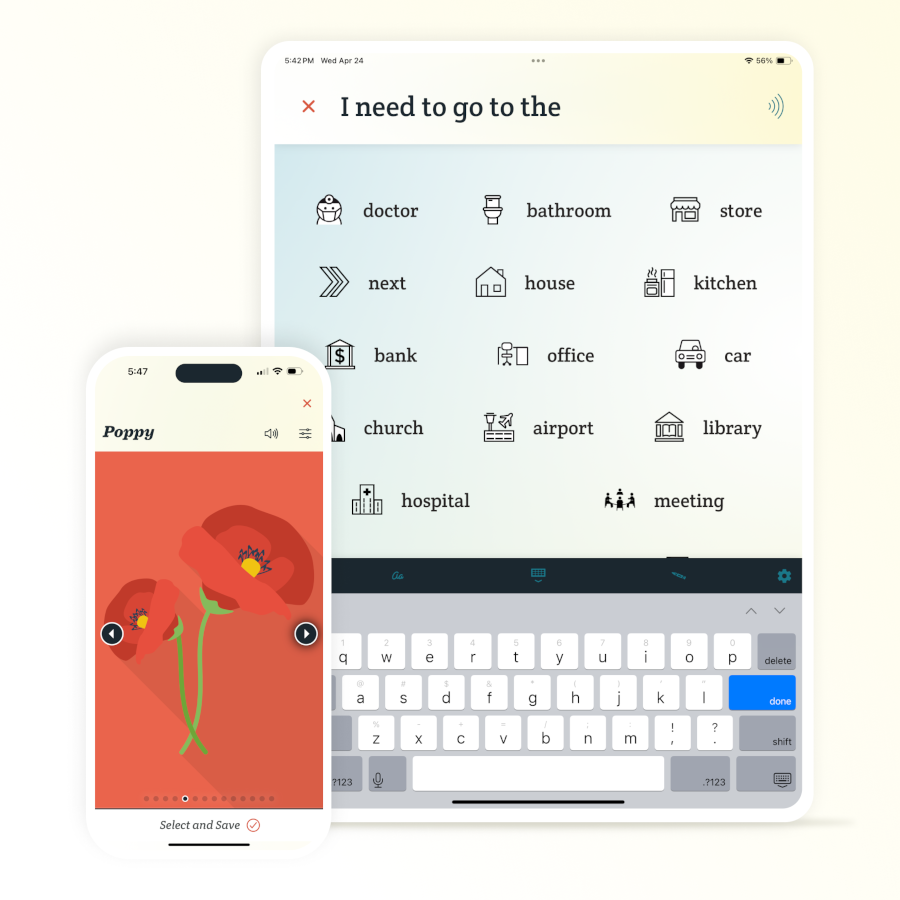
While Siri and Google Assistant offer voice control capabilities, they aren’t always sufficient for individuals with speech impairments. Apps like Voiceitt are specifically designed to understand atypical speech patterns, providing a more reliable and accessible way to control devices.
Voiceitt uses a unique machine learning algorithm to recognize and interpret a wide range of speech variations, including slurred speech, dysarthria, and other speech disabilities. Users can train the app to recognize their specific speech patterns, improving accuracy over time. This opens up device access for people who may have previously struggled to use voice commands.
Advancements in understanding non-standard pronunciations and accents are ongoing. The goal is to create a voice control system that is truly inclusive and accessible to everyone, regardless of their speech patterns. The app is currently available for Android devices and has shown promising results in clinical trials.
Navigation & Wayfinding: Apps for Independent Travel
Navigating unfamiliar environments can be challenging for people with visual impairments or mobility challenges. Fortunately, a growing number of apps are designed to assist with navigation and wayfinding. Lazarillo provides detailed indoor and outdoor navigation, using GPS and Bluetooth beacons to guide users to their destination.
BlindSquare, another popular option, is a GPS-based app that provides information about the user’s surroundings, including points of interest, street names, and nearby businesses. It's particularly useful for exploring new cities and discovering local amenities. Both apps rely on crowdsourced data, so the accuracy can vary depending on the location.
These apps are improving access to public spaces and reducing reliance on sighted assistance. They empower individuals to travel independently and confidently. Beyond these, several apps provide accessible public transit information, including real-time bus and train schedules, and accessible route planning—a vital component of independent travel.
Consider Soundscape, a Microsoft Research project, which uses 3D audio cues to create a mental map of the surrounding environment. This allows users to perceive their surroundings in a new way, even without visual input.
- Lazarillo: Detailed indoor/outdoor navigation, GPS and Bluetooth beacons.
- BlindSquare: GPS-based information about surroundings, points of interest.
- Soundscape: 3D audio cues for environmental awareness.
One-Handed Keyboard Apps: Speed & Comfort
For users with motor impairments, typing on a traditional keyboard can be difficult or even impossible. One-handed keyboard apps offer a more accessible and comfortable typing experience. These apps typically feature adjustable size, key customization, and gesture support.
TypeWise is a popular option for both iOS and Android, offering a unique swipe-based typing method. SwiftKey, a well-known keyboard app, also includes a one-handed mode, which reduces the keyboard size and shifts it to one side of the screen. Other options include Gboard and Fleksy, both of which offer customizable layouts and gesture typing.
These apps can significantly impact typing speed and reduce strain for users with motor impairments. The ability to customize the keyboard layout and adjust the key size is particularly important, allowing users to find a configuration that suits their individual needs. The learning curve can be a bit steep, but the benefits are well worth the effort.
Accessibility Settings: Maximizing Your Phone's Potential
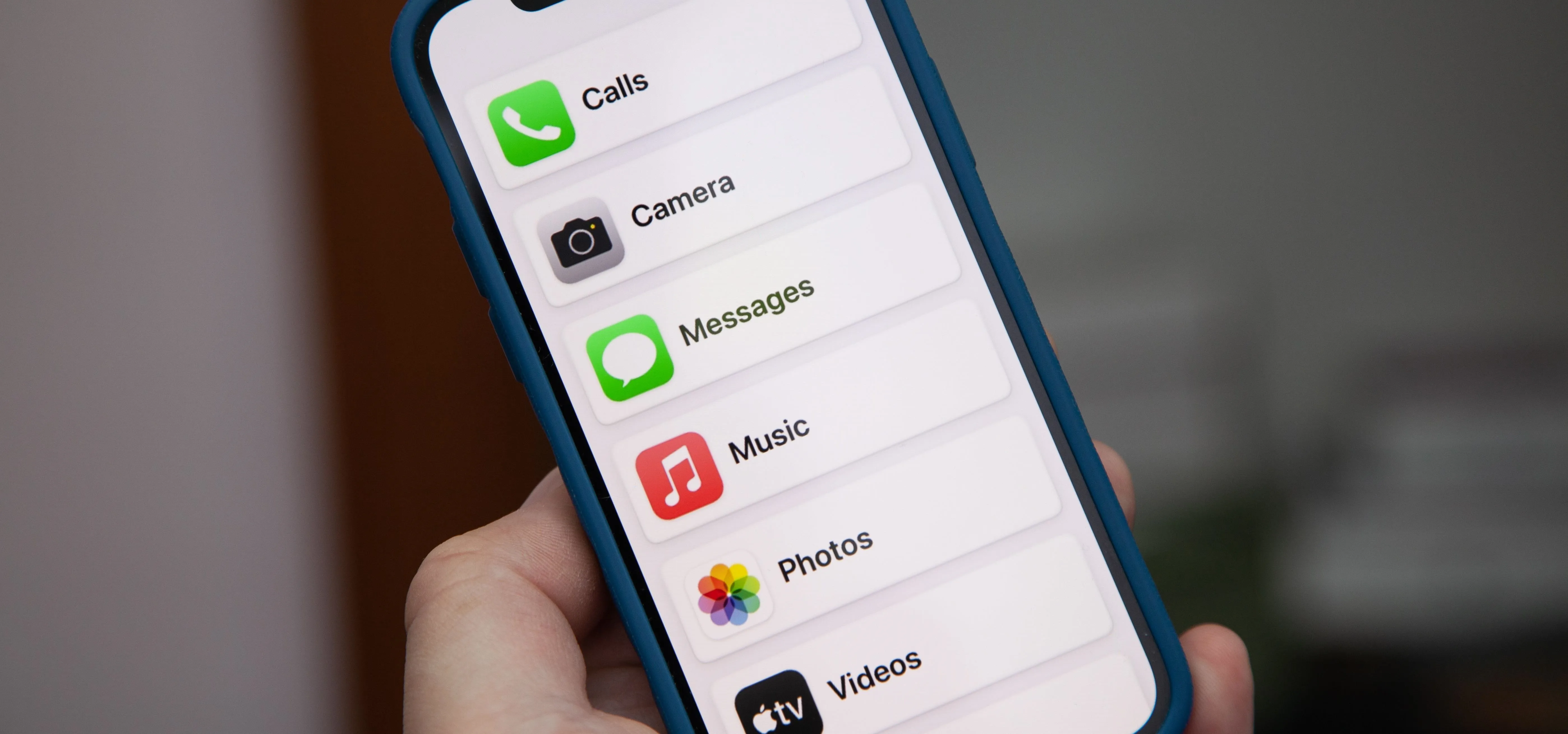
Don’t overlook the built-in accessibility features of iOS and Android. Both operating systems offer a wide range of options, including VoiceOver (iOS) and TalkBack (Android), which provide screen reading capabilities. Switch Access allows users to control their devices using a single switch, and Live Caption automatically generates captions for audio and video content.
Optimizing your phone settings for maximum accessibility is crucial, even without downloading additional apps. Explore the accessibility settings in your phone’s settings menu and experiment with different options to find what works best for you. Refer to the ADA.gov guidelines for mobile app accessibility to understand best practices for developers and users alike.
Accessibility isn't a one-time setup. Every OS update usually hides a new gesture or shortcut that makes the phone easier to use. It is worth checking the settings menu every few months to see what has changed.


No comments yet. Be the first to share your thoughts!