

A first look at WCAG 3.0
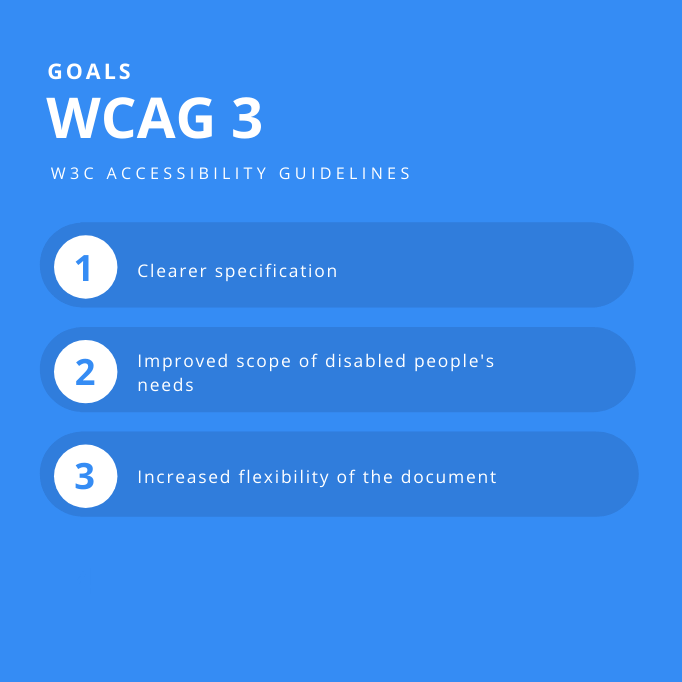
WCAG 3.0 is a total overhaul of how we build for the web. While the familiar pillars of perceivable and operable design are still there, the actual mechanics of meeting these standards are moving away from rigid checklists.
WCAG 3.0 moves away from a checklist of success criteria and towards a focus on outcomes. This means demonstrating that a website is actually accessible to people with disabilities, rather than simply ticking boxes to say you’ve met certain technical requirements. It's a move toward proving accessibility, not just claiming it.
The W3C expects to finalize these rules in 2026. Since the current version is a draft, treat these points as a forecast rather than a manual. Things will change before the final release, but the direction is clear.
The transition will require a mindset shift. Developers and designers will need to think more critically about the user experience and less about adhering to a rigid set of rules. This isn't to say WCAG 2.x was flawed, but accessibility is a moving target, and this evolution reflects a deeper understanding of the needs of diverse users.
Testing for outcomes instead of checklists
The most significant change in WCAG 3.0 is the shift to outcomes-based conformance. Instead of meeting specific success criteria, websites will need to demonstrate measurable accessibility outcomes. This fundamentally alters the testing and evaluation process. It’s no longer enough to say you’ve implemented ARIA attributes correctly; you need to prove that those attributes actually improve the experience for assistive technology users.
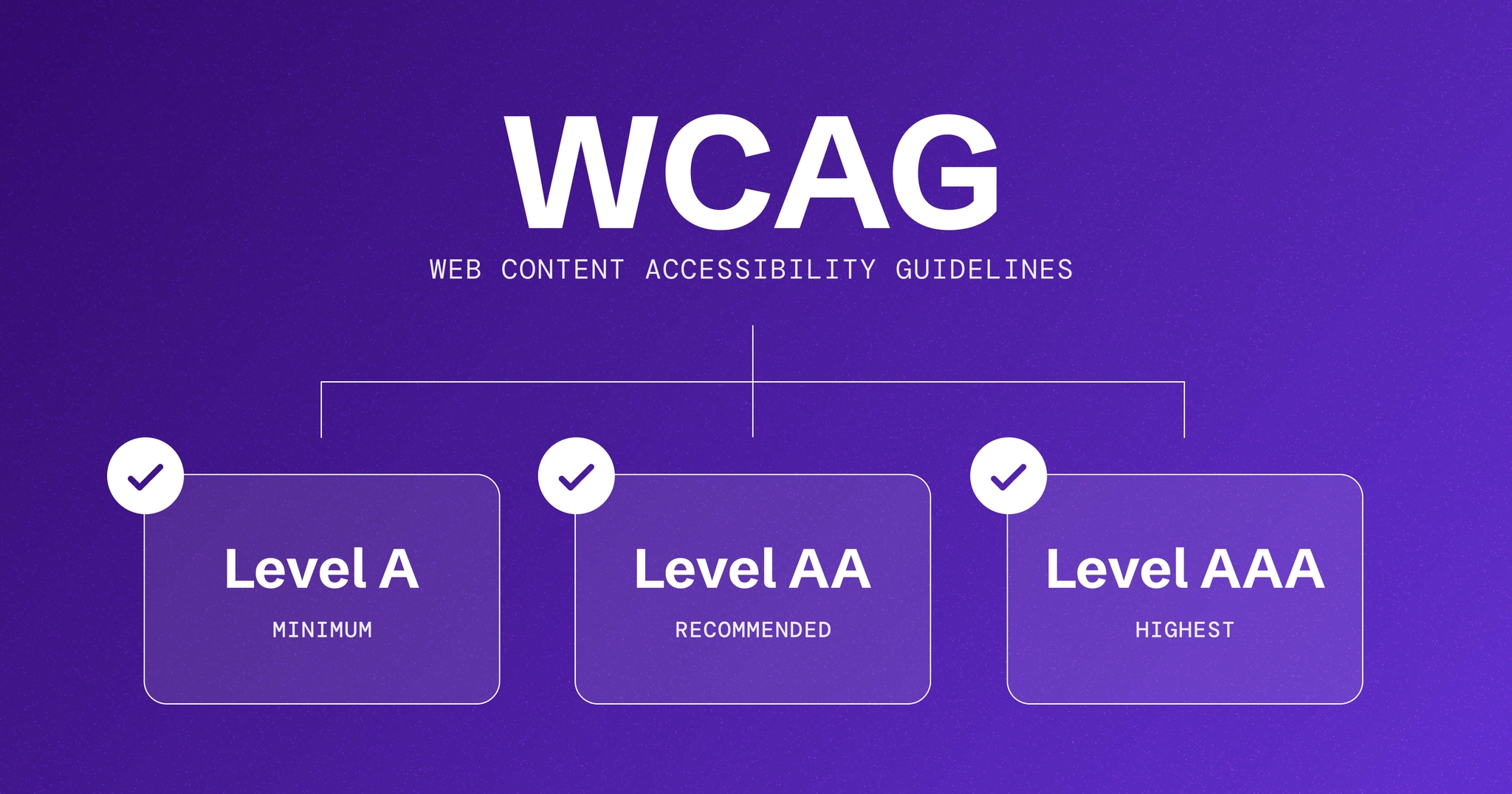
This new approach introduces the concept of "Accessibility Conformance Levels." These levels aren't simply pass/fail. They reflect the severity of accessibility barriers that remain. A higher conformance level indicates fewer and less severe barriers. Think of it like a spectrum of accessibility, rather than a binary state.
Testing will become more nuanced. While automated tools will still play a role, manual testing and, crucially, user testing with people with disabilities will be more important than ever. Demonstrating accessibility will require gathering evidence of real-world usability, not just technical compliance. This means observing how users interact with your website and identifying any points of friction.
The impact on developers is substantial. They’ll need to move beyond simply implementing guidelines and start thinking about the user experience. This will require a deeper understanding of assistive technologies and the needs of people with disabilities. Designers will also need to prioritize accessibility from the beginning of the design process, rather than treating it as an afterthought.
- Define what a successful experience looks like for your specific users.
- Conduct User Testing: Involve people with disabilities in the testing process to gather real-world feedback.
- Measure Conformance Levels: Assess the severity of any remaining accessibility barriers.
- Iterate and Improve: Continuously improve your website based on user feedback and testing results.
The new categories
WCAG 3.0 introduces a revised categorization of guidelines, organizing them into four main categories: Perceivable, Operable, Understandable, and Robust. These categories are familiar from WCAG 2.x, but the specific guidelines within them have been reorganized and updated.
The 'Perceivable' category focuses on ensuring that information and user interface components are presented to users in ways they can perceive. This includes providing text alternatives for non-text content, captions for video, and ensuring sufficient color contrast. 'Operable' addresses the ability to navigate and interact with the website using a variety of input methods.
The 'Understandable' category focuses on making content clear and easy to understand. This involves using simple language, providing clear instructions, and avoiding ambiguous terminology. Finally, 'Robust' ensures that content can be reliably interpreted by a wide range of user agents, including assistive technologies.
These new categories don’t necessarily represent a better system, but they do reflect a more holistic approach to accessibility. The reorganization aims to make the guidelines more logical and easier to navigate. Understanding the rationale behind these changes is crucial for effective implementation. The adjustments are intended to better align with the lived experiences of users with disabilities.
Focus Areas: Cognitive Accessibility
WCAG 3.0 places a significantly greater emphasis on cognitive accessibility than previous versions. This is a welcome change, as cognitive disabilities affect a large and often overlooked segment of the population. The guidelines related to cognitive accessibility focus on simplifying content, providing clear instructions, and minimizing distractions.
Specifically, the guidelines address issues like predictable page layouts, consistent navigation, and the use of clear and concise language. They also emphasize the importance of providing users with control over their experience, such as the ability to pause or stop animations. These guidelines aren't just beneficial for people with diagnosed cognitive disabilities; they improve usability for all users.
Consider the impact of complex jargon or overly dense text. Simplifying language and breaking down information into smaller chunks can make a website more accessible to a wider audience. Similarly, minimizing distractions, such as flashing animations or excessive advertising, can improve focus and comprehension. This is a universal design principle.
Examples of improvements include providing clear error messages, offering helpful hints and suggestions, and allowing users to customize the display to their preferences. Cognitive accessibility shouldn't be treated as a separate concern; it should be integrated into all aspects of web design and development. It's about making the web more usable for everyone.
- Use plain language and cut out the industry jargon.
- Provide Clear Instructions: Make instructions easy to understand and follow.
- Minimize Distractions: Reduce clutter and avoid flashing animations.
- Offer Customization Options: Allow users to adjust the display to their preferences.
Mobile Accessibility Considerations
Mobile devices present unique accessibility challenges. Small screen sizes, touch interactions, and varying input methods all require careful consideration. WCAG 3.0 addresses these challenges by providing specific guidelines for mobile accessibility.
One key consideration is ensuring that all interactive elements are appropriately sized and spaced for touch. This is particularly important for users with motor impairments. Additionally, it's crucial to provide alternative input methods, such as voice control, for users who cannot use touchscreens. This is where accessible APIs become even more important.
Responsive design is essential for mobile accessibility. Websites should adapt to different screen sizes and orientations without losing accessibility features. This means using flexible layouts, scalable images, and appropriate ARIA attributes. Ignoring responsive design can effectively exclude mobile users with disabilities.
WCAG 3.0 also emphasizes the importance of providing clear visual focus indicators for keyboard navigation on mobile devices. This helps users who rely on assistive technologies to understand where they are on the page. Mobile accessibility is often an afterthought, but it’s a critical aspect of inclusive design. Prioritizing it ensures that everyone can access your content, regardless of device.
Accessibility APIs and Technologies
Accessibility APIs, such as the Accessible Rich Internet Applications (ARIA) specification, are essential for making web content accessible to assistive technologies. These APIs provide information about the structure and semantics of web content, allowing screen readers and other tools to interpret and present it to users.
WCAG 3.0 doesn't replace ARIA, but it clarifies how it should be used. The guidelines emphasize the importance of using ARIA correctly and avoiding overuse. Incorrectly implemented ARIA can actually harm accessibility, so it’s crucial to understand its purpose and limitations.
HTML itself provides a lot of semantic information, and should be used whenever possible. ARIA should be used to supplement HTML, not to replace it. For example, using semantic HTML elements like `` and `` provides built-in accessibility features. Relying solely on `` elements with ARIA attributes is generally not recommended.
You need to test your code with actual screen readers. It is the only way to know if your ARIA labels are helping or just adding noise. I'm not going into the weeds of every specific API here, but you can't ignore how they talk to the browser.
Tools for Evaluating WCAG 3.0 Conformance
Evaluating web accessibility requires a combination of automated and manual testing techniques. Automated testing tools, such as axe DevTools and WAVE, can identify many common accessibility issues. These tools are a good starting point, but they have limitations. They can’t detect all accessibility problems, particularly those related to usability and user experience.
Manual testing involves reviewing web content using a screen reader or other assistive technology. This is essential for identifying issues that automated tools miss. User testing with people with disabilities is the most effective way to evaluate accessibility. It provides valuable insights into how real users interact with your website.
Savy Assist offers a suite of accessibility testing tools, including automated scanners and user testing services. Other options include Siteimprove and Tenon.io. Each tool has its strengths and weaknesses, so it’s important to choose the right tool for your needs. No tool can guarantee complete accessibility; they are aids in the process.
It’s critical to remember that automated tools should not be relied upon as the sole means of evaluating accessibility. They are best used as part of a comprehensive testing strategy that includes manual testing and user feedback. The goal isn’t just to pass an automated test; it’s to create a genuinely accessible experience for all users.
Accessibility Testing Tool Comparison
| Automation Level | Reporting Detail | Ease of Use | Integration Options |
|---|---|---|---|
| axe DevTools | High - Comprehensive automated checks. | Detailed, provides specific guidance on fixes. | Good - Browser extensions and command-line interface. |
| WAVE | Moderate - Primarily automated, requires manual review for complex issues. | Good - Visual feedback directly on the webpage, highlighting accessibility issues. | Very Good - Simple to use, browser extension. |
| Lighthouse | Basic - Includes accessibility audits as part of broader performance analysis. | Moderate - Provides a summary of accessibility issues, but less detailed than dedicated tools. | Good - Integrated into Chrome DevTools, easy to access for developers. |
| Savy Assist Accessibility Checker | Moderate to High - Automated checks with focus on WCAG standards. | Detailed - Reports issues with clear explanations and links to relevant WCAG guidelines. | Very Good - User-friendly interface, designed for a range of technical skills. |
| Pa11y | High - Focuses on automated testing and dashboard reporting. | Moderate - Reports issues but may require more expertise to interpret. | Moderate - Requires some technical setup and command-line familiarity. |
| Accessibility Insights | Moderate - Combination of automated and manual testing features. | Good - Provides detailed issue descriptions and suggestions for remediation. | Good - Browser extension and standalone application. |
Qualitative comparison based on the article research brief. Confirm current product details in the official docs before making implementation choices.


No comments yet. Be the first to share your thoughts!