

What assistive technology means today
Assistive technology is not a single gadget but a broad ecosystem of hardware, software, and services designed to help people with disabilities maintain or improve their functional capabilities. The World Health Organization defines it as an umbrella term covering assistive products and their related systems, emphasizing that the technology itself is only part of the solution; the service and support behind it are equally critical.
The Assistive Technology Industry Association (ATIA) offers a more product-focused definition: any item, piece of equipment, software program, or product system used to increase, maintain, or improve the functional capabilities of individuals with disabilities. This distinction matters because it clarifies that AT includes everything from low-tech tools like adapted utensils to high-tech solutions like screen readers and eye-tracking systems.
In the context of digital accessibility, this definition expands to include software such as JAWS, NVDA, and VoiceOver, which convert on-screen content into speech or braille. It also covers hardware like refreshable braille displays and adaptive keyboards. Understanding this scope helps users and organizations identify the right tools for specific needs, whether for visual, auditory, motor, or cognitive impairments.
The goal of assistive technology is to bridge the gap between a person’s abilities and the demands of their environment. By leveraging both established and emerging technologies, individuals can participate more fully in education, employment, and daily life. This article focuses on the most effective screen readers and adaptive devices available in 2026, grounded in these official definitions and real-world utility.
Best screen readers for visual access
Screen readers translate digital text into speech or Braille output, serving as the primary interface for users with visual impairments. Selecting the right software depends on the operating system, the complexity of the tasks required, and the user's budget. The following products represent the most reliable tools for accessing web content, documents, and applications in 2026.
JAWS for Windows
Job Access With Speech (JAWS) remains the industry standard for Windows users who require advanced customization and enterprise-grade support. It offers a highly configurable interface that allows users to create custom profiles for specific applications, making it ideal for complex workflows in legal or financial sectors. JAWS provides robust support for Microsoft Office, web browsers, and specialized industry software.

NVDA
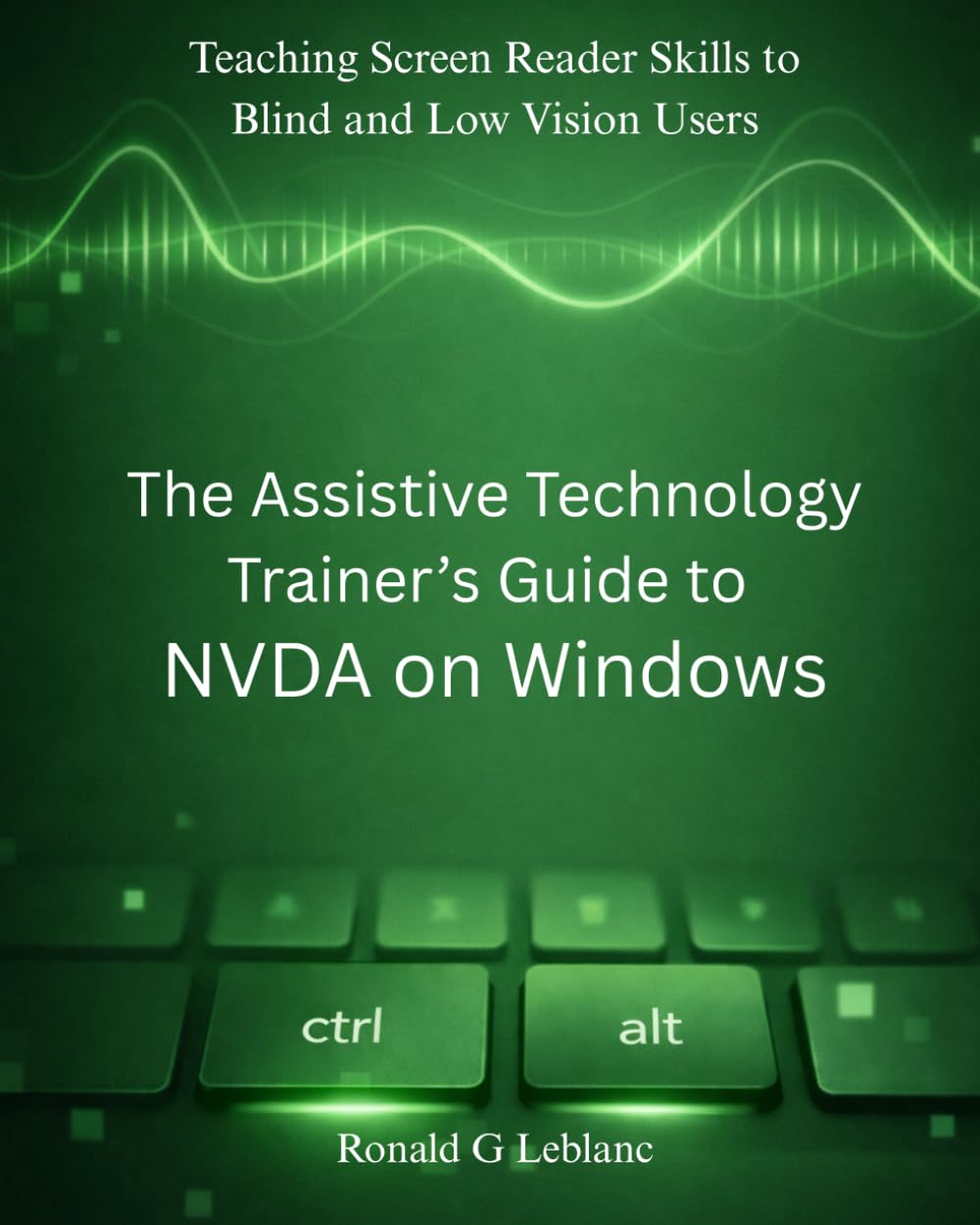
NonVisual Desktop Access (NVDA) is a free, open-source screen reader for Windows. It is widely adopted by individuals and organizations seeking a cost-effective alternative to paid solutions. NVDA supports a broad range of applications and websites, including many modern web platforms that rely on dynamic content. Its community-driven development ensures rapid updates and strong compatibility with emerging web standards.
VoiceOver
VoiceOver is the built-in screen reader for Apple’s ecosystem, including macOS, iOS, iPadOS, and watchOS. It is deeply integrated into the operating system, providing a seamless experience for users who already own Apple devices. VoiceOver is known for its intuitive gestures and natural-sounding voices, making it a preferred choice for mobile and desktop users who prioritize ease of use and hardware integration.

TalkBack
TalkBack is Android’s native screen reader, designed to make Android devices accessible to blind and low-vision users. It provides voice feedback and haptic responses to help users interact with the interface. TalkBack supports a wide range of Android apps and offers customizable settings for reading speed, voice pitch, and gesture controls, ensuring a tailored experience for different user preferences.
Choosing the Right Screen Reader
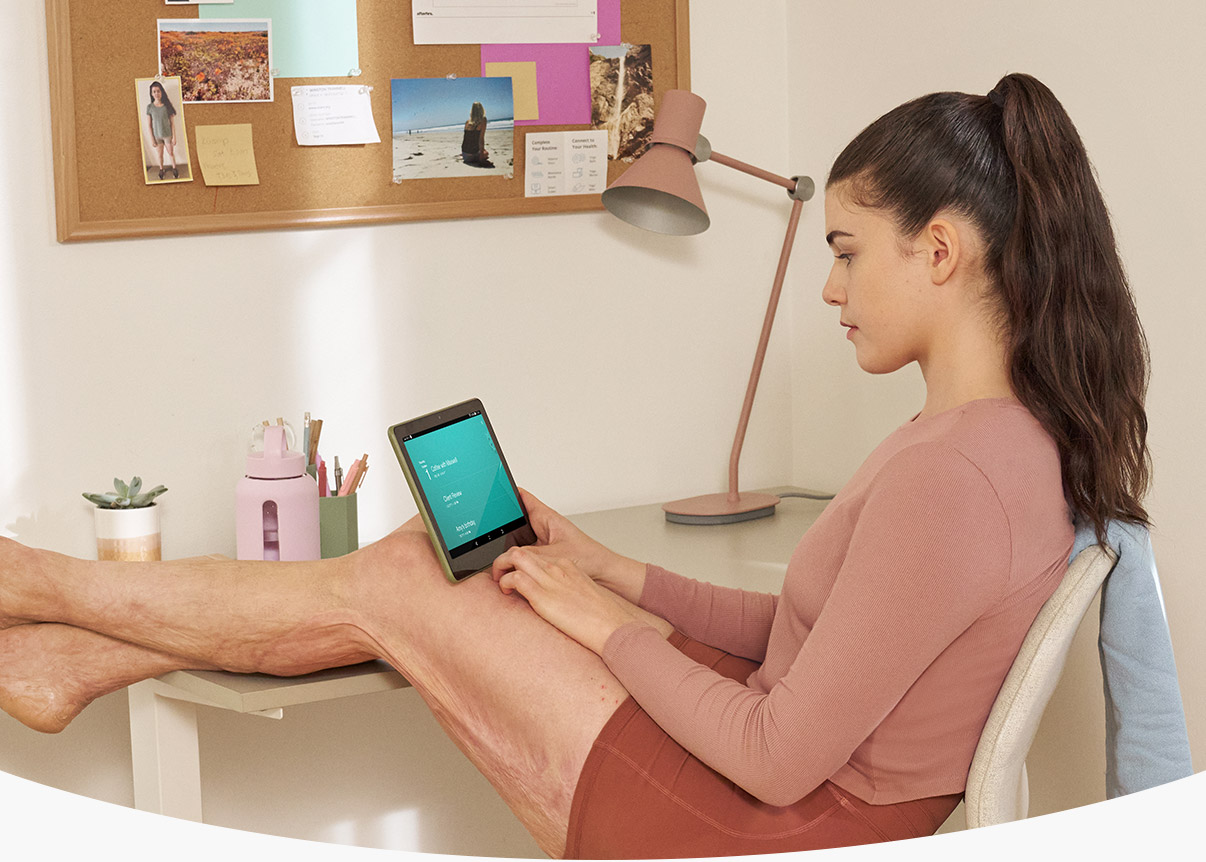
The choice of screen reader often hinges on the user’s existing hardware and specific needs. Windows users requiring deep customization may prefer JAWS, while those seeking a free option might choose NVDA. Apple users benefit from the integrated nature of VoiceOver, and Android users rely on TalkBack. For users who switch between platforms, evaluating cross-platform compatibility and data synchronization features is essential.
Top speech-to-text software options
Speech-to-text software converts spoken words into written text, serving as a critical bridge for users with motor impairments, dysgraphia, or fatigue-related writing difficulties. By allowing users to dictate documents, emails, and notes, these tools reduce physical strain and improve accuracy in high-stakes environments.
The following comparison highlights four leading options, evaluating their accuracy, platform support, and cost structures to help you select the right tool for your needs.
| Software | Accuracy | Platforms | Cost |
|---|---|---|---|
| Dragon Professional | High (99%+) | Windows, Mac | One-time purchase |
| Google Voice Typing | Moderate to High | Web, Android | Free |
| Apple Dictation | Moderate | iOS, macOS | Free |
| Otter.ai | High | Web, iOS, Android | Freemium |
Dragon Professional is widely regarded as the gold standard for continuous dictation, offering specialized profiles for different accents and industries. Its high accuracy rate makes it suitable for legal and medical documentation, though it requires a significant upfront investment and a dedicated microphone.
For users seeking free or low-cost alternatives, Google Voice Typing and Apple Dictation provide reliable basic functionality. Google Voice Typing is accessible directly within Chrome and Android devices, while Apple Dictation is built into iOS and macOS. These tools are ideal for casual note-taking but may lack the customization and advanced error-correction features of paid solutions.
Otter.ai combines speech-to-text with AI-powered meeting notes, making it a strong choice for collaborative environments. It offers a freemium model, allowing users to test its accuracy across web, iOS, and Android platforms before committing to a subscription.


As an Amazon Associate, we may earn from qualifying purchases.
Essential adaptive hardware and devices
Software solutions like screen readers form the backbone of digital accessibility, but physical input devices remain critical for users with motor impairments or repetitive strain injuries. According to the ECTA Center, assistive technology encompasses any item or system used to increase, maintain, or improve functional capabilities of individuals with disabilities. This definition extends beyond software to include ergonomic peripherals designed to reduce physical strain and increase precision.
Ergonomic mice and trackballs offer alternative input methods that minimize wrist deviation and finger movement. These devices allow users to interact with interfaces with minimal effort, which is essential for those with limited dexterity. Specialized keyboards, including those with large keys or alternate layouts, further reduce the physical barrier to entry for digital tasks. Selecting the right hardware often requires trial and error, as comfort is highly subjective.
The following products represent widely recognized options in the adaptive hardware market. These selections focus on ergonomic design and accessibility features rather than brand prestige. Each item is chosen for its potential to support users with specific motor or ergonomic needs.


As an Amazon Associate, we may earn from qualifying purchases.
How to choose the right assistive technology
Selecting assistive technology requires matching specific device capabilities to your disability type and budget. The New York State Education Department notes that the goal of assistive technology is to facilitate success and independence for students with disabilities. This framework helps you evaluate options based on visual, motor, or cognitive needs.

Visual impairments require screen readers like JAWS or ZoomText. Motor disabilities often benefit from adaptive switches or eye-tracking devices like Tobii Dynavox. Cognitive disabilities may need simplified interfaces or voice-activated smart home hubs.
Ensure the device integrates with your current operating system and software. Check if the manufacturer offers dedicated support teams and regular updates. Reliable customer service is essential for high-stakes assistive technology.
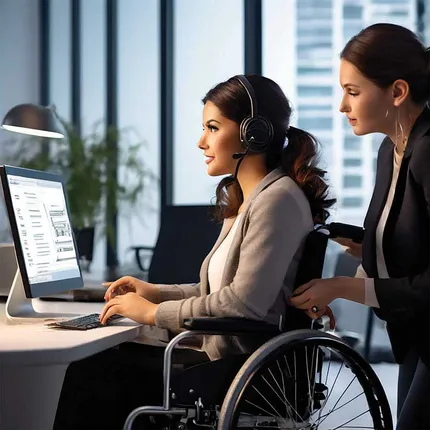
Compare upfront costs against subscription fees. Look for devices that offer scalability as your needs change. Prioritize durable hardware that reduces the need for frequent replacements.


As an Amazon Associate, we may earn from qualifying purchases.
Frequently asked questions about assistive technology
What are the four types of assistive technology?
Assistive technology (AT) is broadly categorized into four groups based on the functional limitation they address: visual, auditory, motor, and cognitive. Visual aids include screen readers like JAWS or ZoomText. Auditory support involves hearing aids or captioning services. Motor aids range from switch controls to eye-tracking systems, while cognitive tools include organizational software and simplified interfaces. The Assistive Technology Industry Association defines AT as any item or system used to increase, maintain, or improve functional capabilities [src-1].
What are five common examples of assistive technology?
Beyond traditional hardware, modern AT includes voice-activated smart home devices, IoT sensors for safety, and medication management tools. Common examples also encompass assistive apps for daily living, such as those that simplify communication or manage schedules. These technologies help users with disabilities and the elderly maintain independence. Wikipedia notes that these devices are often classified as assistive, adaptive, or rehabilitative [src-5].
What are three basic assistive devices for mobility?
Mobility aids are among the most recognized assistive devices. Common examples include wheelchairs, scooters, and walkers. Other essential tools are canes, crutches, and prosthetic devices. These physical aids help users move through their environments safely. The National Institute of Child Health and Human Development lists these as standard rehabilitative technologies [src-serp-5].
How do I choose the right assistive technology?
Selecting the right device depends on specific functional needs, legal rights, and budget. In many jurisdictions, AT may be covered under insurance or government programs. It is important to consult with healthcare professionals or certified AT specialists to evaluate options like screen readers, adaptive keyboards, or hearing aids. Official sources like WHO and ATIA provide guidelines for assessment and implementation.
Is assistive technology expensive?
Costs vary widely depending on the device and level of customization. Basic tools like magnifiers or adaptive mice are affordable, while advanced systems like eye-tracking or specialized software can be costly. Many countries offer subsidies or grants for AT. Always check for tax deductions or insurance coverage before purchasing. Amazon offers a wide range of affordable assistive products for immediate needs.
As an Amazon Associate, we may earn from qualifying purchases.
No comments yet. Be the first to share your thoughts!