
What defines modern assistive technology
The World Health Organization defines assistive technology as an umbrella term covering assistive products and their related systems and services. This definition establishes that the field extends beyond physical devices to include the support structures that enable their use. Assistive products help maintain or improve an individual’s functioning, directly impacting daily independence and participation in society.
In the United States, federal definitions provide additional clarity on the scope of these tools. The term "assistive technology service" refers to any service that directly assists a person with a disability in the selection, acquisition, or use of an assistive product. This legal framework ensures that access to technology includes not just the hardware, but the necessary training and support to make it effective.
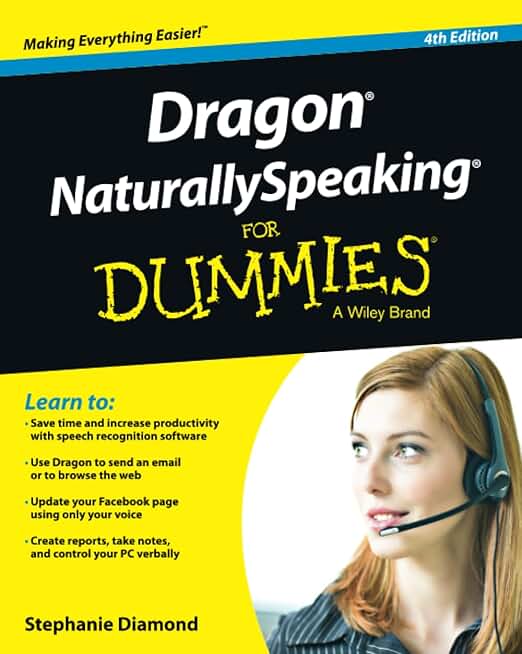
Modern assistive technology encompasses a wide range of concrete tools. Examples include screen readers like JAWS for blind users, speech-to-text software such as Dragon NaturallySpeaking for those with motor impairments, and adaptive hardware like trackballs or eye-tracking devices. These specific products address distinct functional needs, forming the core of the assistive technology ecosystem.
Understanding these definitions helps clarify the landscape for 2026. It moves the conversation beyond abstract concepts to tangible tools that enable access to information, communication, and mobility. The following sections detail the specific products that meet these rigorous standards.
Top screen readers for visual accessibility
Screen readers convert digital text into speech or Braille output, allowing users with visual impairments to navigate operating systems and web content. For 2026 workflows, the choice of software depends on the operating environment, budget, and specific accessibility needs. The following products represent the current standards for professional and personal use.
JAWS (Job Access With Speech)
JAWS remains the industry standard for Windows users in corporate and government environments. Its deep integration with enterprise applications and robust scripting language make it the preferred choice for complex workflows. While it requires a paid license, its stability and extensive support infrastructure justify the cost for many professional users.
NVDA (NonVisual Desktop Access)
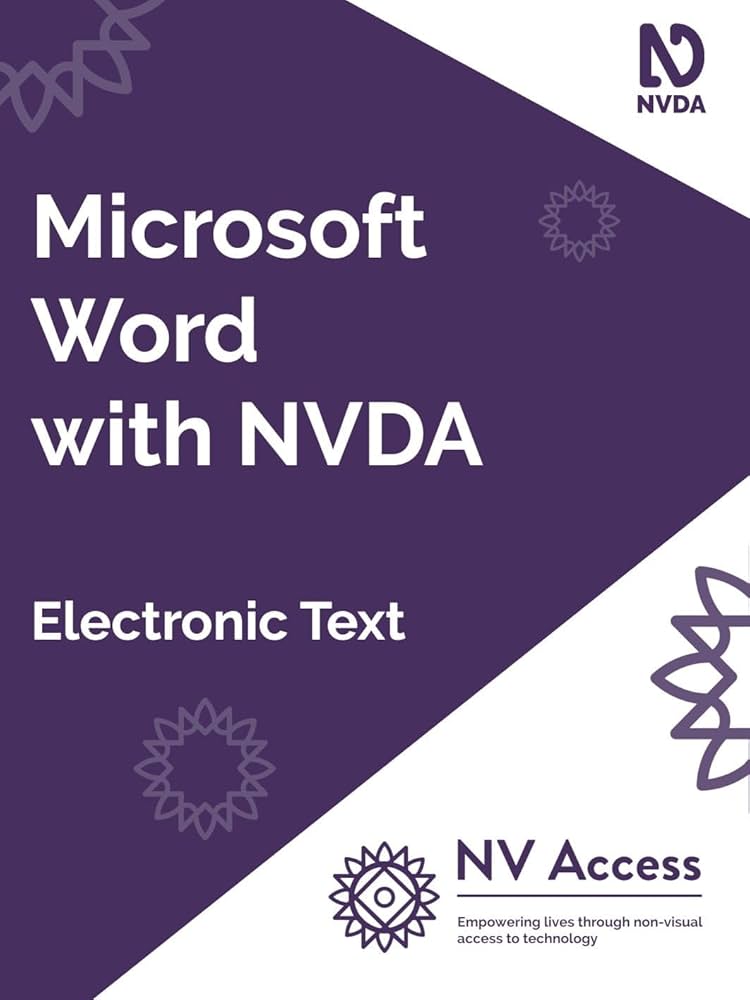
NVDA is a free, open-source screen reader for Windows that has gained significant traction due to its accessibility and regular updates. It offers a compelling alternative to paid options, supporting a wide range of applications and websites. Its community-driven development ensures rapid adaptation to new web standards and software updates.
VoiceOver
VoiceOver is the built-in screen reader for Apple’s ecosystem, including macOS, iOS, and iPadOS. Its tight integration with Apple hardware and software provides a seamless experience for users already invested in the platform. VoiceOver is known for its intuitive gestures and high-quality voice synthesis, making it a top choice for mobile and desktop Apple users.
Choosing the Right Tool
Selecting a screen reader involves evaluating compatibility with your primary devices and the specific tasks you perform daily. JAWS excels in Windows-centric corporate settings, NVDA provides a powerful free option for Windows users, and VoiceOver is indispensable for Apple ecosystem users. Consider testing these tools to determine which interface best supports your workflow.

As an Amazon Associate, we may earn from qualifying purchases.
Speech-to-text software for communication
Speech-to-text software converts spoken words into digital text, enabling users with motor or visual impairments to control devices and create content without relying on traditional input methods. This technology serves as a critical bridge for accessibility, allowing individuals to navigate interfaces, write documents, and communicate effectively. Tools like Dragon NaturallySpeaking and Google Voice Typing offer distinct advantages depending on the user’s specific needs and hardware environment.
Dragon NaturallySpeaking
Dragon NaturallySpeaking remains the industry standard for standalone voice recognition, particularly for users who require high accuracy and offline processing capabilities. Developed by Nuance Communications, it supports extensive customization for specialized vocabularies and command sets. The software operates independently of cloud services, which appeals to users prioritizing data privacy and consistent performance in offline environments. It integrates deeply with Windows applications, making it a robust choice for professional document creation and desktop control.
Google Voice Typing
Google Voice Typing provides a free, built-in solution for Chrome OS, Android, and web-based applications within the Google ecosystem. It leverages Google’s cloud-based speech recognition engines to deliver real-time transcription with minimal setup. This tool is ideal for users who primarily work within Google Docs, Gmail, or Chrome and require a low-cost entry point into voice-controlled computing. While it lacks the deep system-level control of Dragon, its accessibility and zero cost make it a practical option for basic navigation and drafting tasks.
Nuance Dictate
Nuance Dictate offers a streamlined alternative to Dragon NaturallySpeaking, designed for users who need portable voice recognition across multiple devices. It connects via Bluetooth to mobile devices and computers, allowing for on-the-go dictation. This tool is particularly useful for users who need to switch between platforms without reinstalling complex software. It maintains Nuance’s accuracy standards while offering greater flexibility for mobile workflows, making it suitable for professionals who work across different environments.

![Nuance PowerMic III Microphone for Dragon (Non-Healthcare), 9 Ft Cord, Dictate Documents and Control your PC – all by Voice, [PC Disc], Black](https://m.media-amazon.com/images/I/41WyYkSZ3ML._AC_UY654_QL65_.jpg)
As an Amazon Associate, we may earn from qualifying purchases.
Physical Adaptive Hardware
Screen readers and speech-to-text software form the digital foundation of modern accessibility, but physical adaptive hardware bridges the gap between software capability and daily independence. Ergonomic peripherals and smart home hubs reduce the physical strain of computer interaction and environmental control, allowing users to navigate digital and physical spaces with greater autonomy.
The National Academies of Sciences, Engineering, and Medicine note that assistive products hold significant promise for supporting workforce entry and return, emphasizing that hardware selection must align with specific motor and cognitive needs. Devices such as trackballs and ergonomic mice mitigate repetitive strain injuries, while smart home hubs simplify environmental management for users with limited mobility.
The following products represent verified hardware solutions that complement software-based assistive technologies. These items are selected for their ergonomic design and integration capabilities within accessible computing environments.


As an Amazon Associate, we may earn from qualifying purchases.
Choose assistive technology using the 5 P framework
Selecting the right assistive technology requires more than comparing specs. The World Health Organization defines a structured framework called the "5 P's" to ensure tools actually work in real-world settings. This model prevents the common mistake of buying a device that lacks the necessary support infrastructure. You must evaluate People, Policy, Products, Personnel, and Provision together.
People refers to the user’s specific needs and preferences. A tool like the JAWS screen reader is powerful, but it must match the user’s digital literacy and visual capabilities. Policy covers the funding and legal rights that make the tool accessible. In the U.S., programs like the ACL State Grants help determine if insurance or state programs will cover the cost of iPads or specialized hardware. Ignoring policy often leads to abandoned devices.
Products are the actual devices, such as Dragon NaturallySpeaking for voice recognition or Kurzweil 1000 for reading support. Personnel involves the training and support staff needed to set up and maintain these tools. Finally, Provision is the logistics of delivery and ongoing service. A high-end adaptive keyboard is useless if no one is trained to help the user configure it. Use the AmazonProductGrid below to explore hardware options that fit these criteria.


As an Amazon Associate, we may earn from qualifying purchases.
Common questions about assistive technology
Users frequently search for concrete examples of assistive technology to understand what tools are available for specific challenges. Assistive technology includes products and related systems that help maintain or improve functioning. Common examples include text-to-speech software, reading pens, voice recognition tools, digital recorders, and iPads or tablets equipped with accessibility features.
Another frequent query involves the "5 P's" of assistive technology, a framework used by policy makers and healthcare providers. These five interlinked areas are policy, products, personnel, provision, and people-centred care. This framework ensures that assistive devices are not just purchased, but are integrated into a supportive system that addresses the user's specific needs in school, work, and daily life.
No comments yet. Be the first to share your thoughts!