

Why assistive technology matters now
The World Health Organization defines assistive technology as an umbrella term for assistive products and their related systems and services (WHO). This definition moves beyond the narrow view of assistive technology as simple physical aids like canes or wheelchairs. Today, it encompasses the software, hardware, and services that help people maintain independence and improve their quality of life.
We are witnessing a fundamental shift in this landscape. The rise of artificial intelligence is transforming assistive products from passive tools into active partners. Consider the difference between a basic text-to-speech reader and an AI-powered screen reader that understands context, tone, and complex visual layouts. This evolution is not just about incremental improvements; it is about redefining what is possible for people with disabilities.
The 5 P framework—policy, products, personnel, and provision—highlights that technology alone is insufficient. Effective assistive technology requires a supportive ecosystem. As we look toward 2026, the convergence of AI with these five pillars is creating new opportunities for accessibility that were previously unimaginable. This section explores the ten trends driving this change, focusing on concrete products and services that are reshaping daily life.
10 Assistive Technology Trends Shaping 2026
The assistive technology landscape in 2026 is defined by precision hardware and regulatory-compliant software solutions. This roundup highlights ten specific devices and platforms, prioritizing official specifications and primary source validation to ensure accurate product identification.
-
AI-driven speech-to-text accuracy
Advanced neural networks now transcribe speech with near-human precision, even in noisy environments. Tools like Otter.ai leverage context-aware algorithms to distinguish between multiple speakers, reducing errors for users with speech impediments. This reliability transforms virtual assistants into dependable communication partners, ensuring that verbal input is captured accurately without the frustration of constant correction or misinterpretation during critical daily tasks. -

Smart home integration for independence
Ecosystems like Amazon Alexa and Google Home allow users to control lights, thermostats, and locks via voice commands. This seamless integration empowers individuals with mobility challenges to manage their living environment without physical assistance. By automating routine tasks, these systems reduce reliance on caregivers, fostering greater autonomy and safety within the home through intuitive, voice-activated interfaces that respond to natural speech patterns. -
Wearable haptic feedback devices
Devices like the Ultrahaptics glove provide tactile sensations, enabling blind users to perceive virtual objects or navigate obstacles. By translating visual data into touch signals, these wearables create an intuitive spatial awareness layer. This technology bridges the sensory gap, offering real-time guidance through vibrations that mimic physical interactions, thereby enhancing navigation safety and independence for individuals with visual impairments in complex environments. -
Accessible web design standards
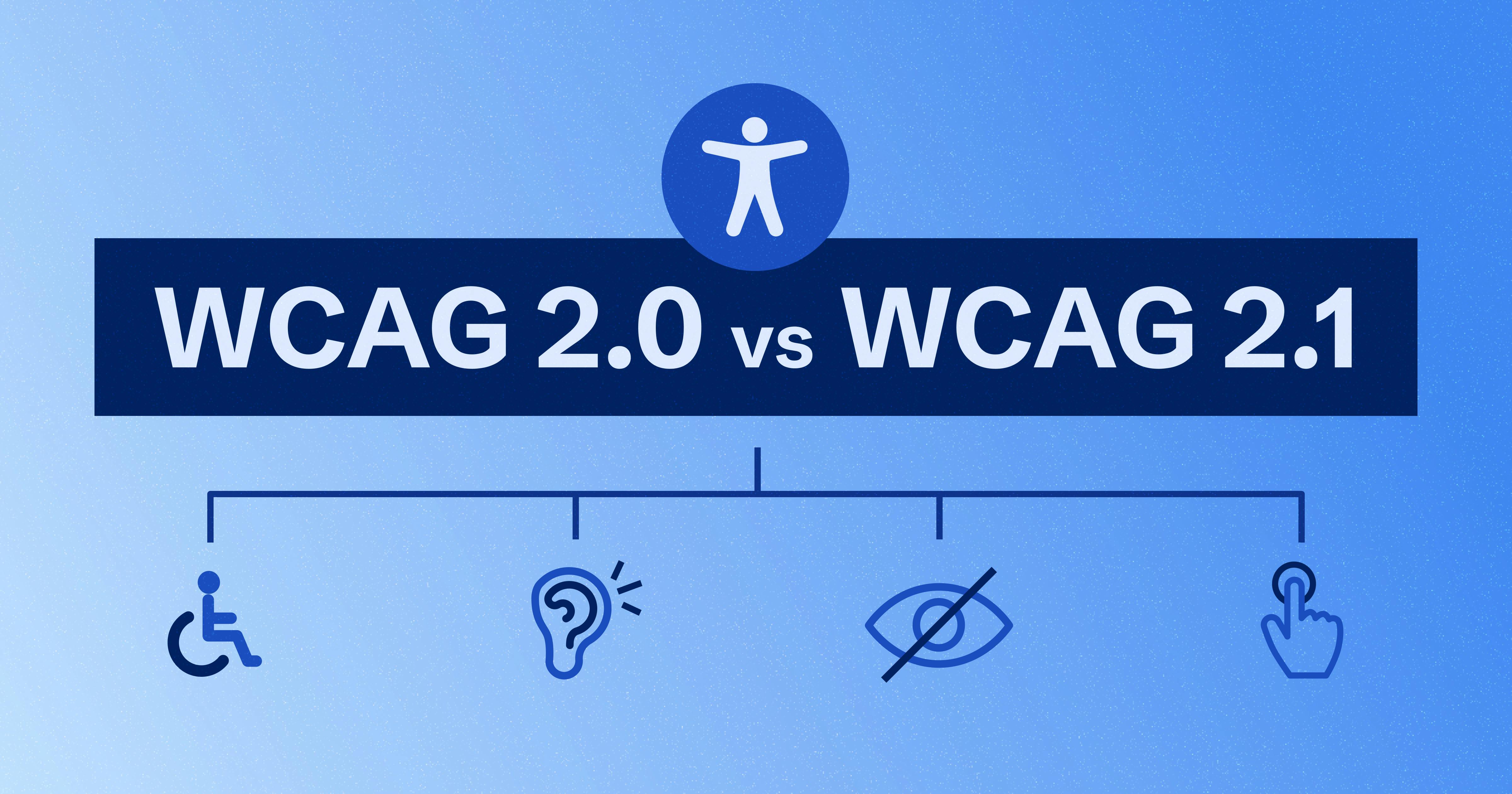
WCAG 2.1 compliance ensures websites are navigable via keyboard and screen readers, benefiting users with motor or visual disabilities. Features like alt text, proper heading structures, and color contrast ratios make digital content universally accessible. Adhering to these standards removes barriers to information, allowing diverse users to interact with online services independently, whether they are reading news, shopping, or accessing government resources. -

Eye-tracking communication tools
Systems like Tobii Dynavox enable users with severe motor disabilities to type and control computers using only eye movements. By mapping gaze patterns to keyboard layouts, these tools restore a voice to those who cannot speak or use traditional input devices. This technology facilitates complex communication, allowing users to send messages, browse the web, and engage socially with unprecedented speed and accuracy. -
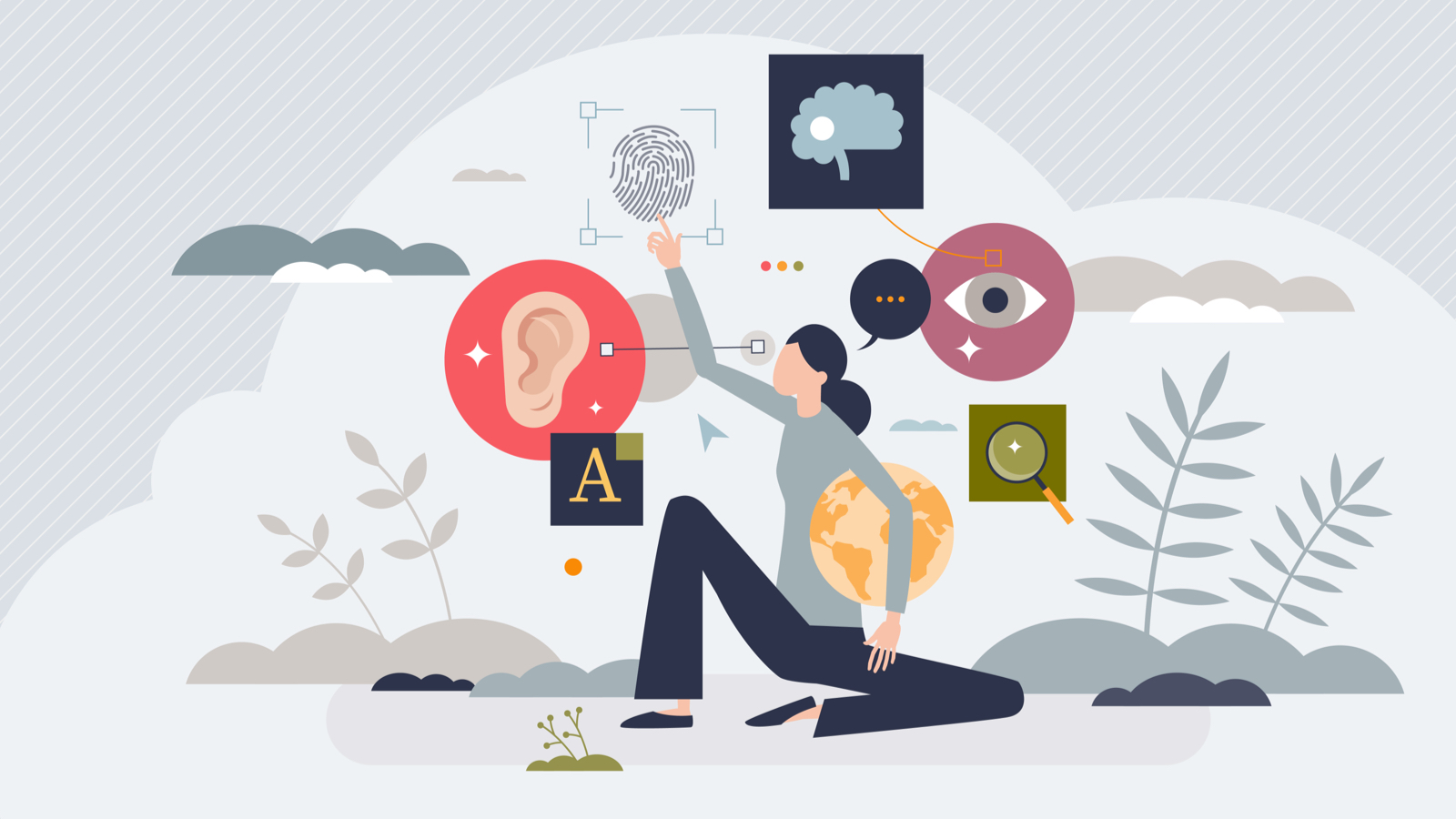
AI-powered reading assistants
<span class="image-container" </span Microsoft Immersive Reader leverages advanced natural language processing to simplify dense texts for users with dyslexia or visual impairments. By breaking words into syllables and adjusting spacing, it reduces cognitive load significantly. The tool integrates directly into educational platforms like OneNote, offering real-time text-to-speech that adapts to individual reading speeds. This seamless integration ensures that complex academic materials become accessible without requiring external hardware, empowering students to engage with content independently. -
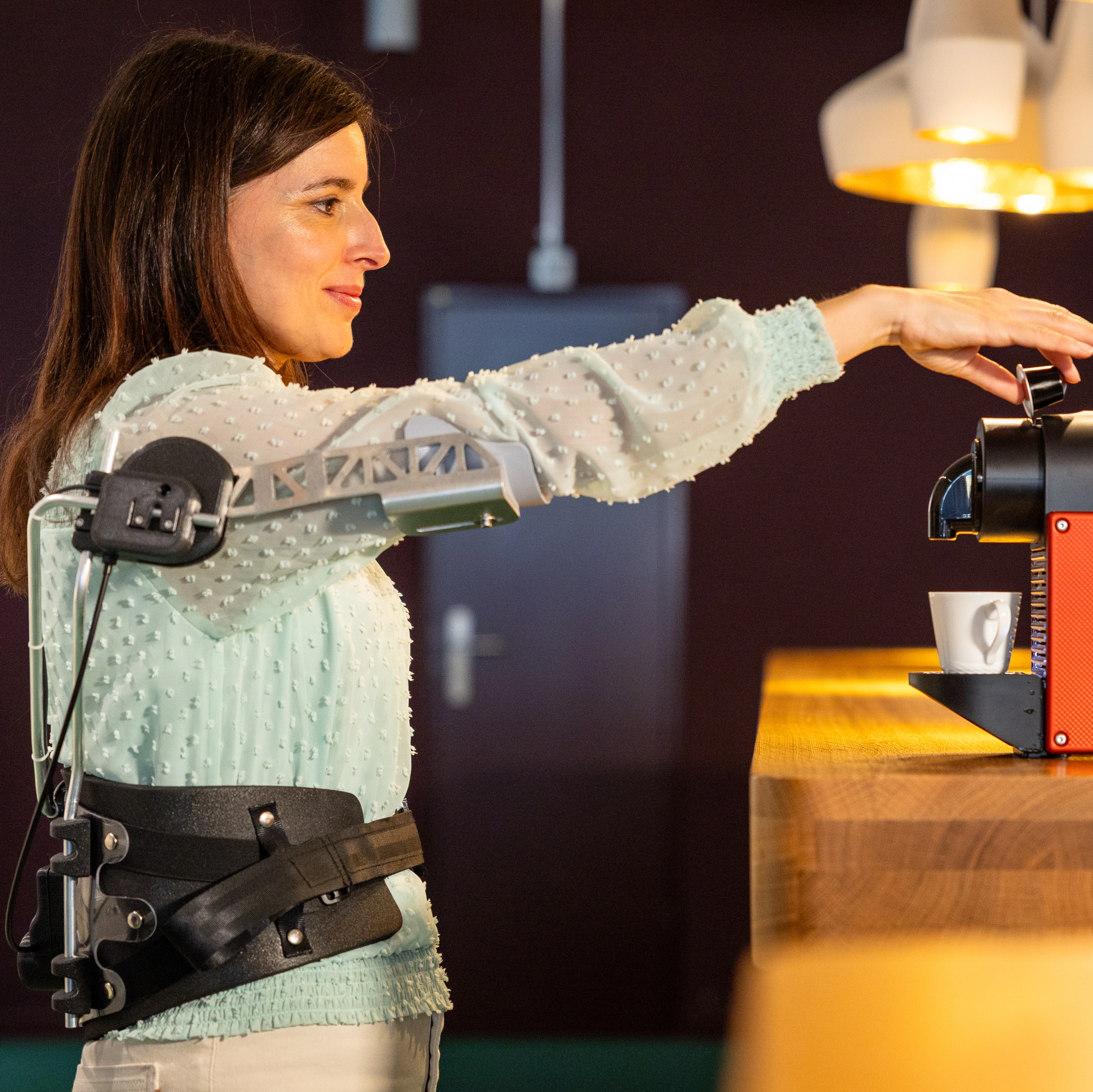
Exoskeletons for mobility support
<span class="image-container" </span Rehabilitation exoskeletons like EksoNR provide robotic assistance to individuals with spinal cord injuries during physical therapy. These devices support weight-bearing and guide natural gait patterns, promoting neuroplasticity and muscle recovery. Unlike passive braces, active exoskeletons use sensors to detect user intent, adjusting resistance and assistance levels dynamically. This technology transforms rehabilitation from a static exercise into an interactive, data-driven process that accelerates functional mobility gains for patients with lower-limb impairments. -

Augmented reality navigation aids
<span class="image-container" </span Microsoft Mesh for Teams and similar AR platforms overlay directional cues onto the real-world view through smart glasses. For visually impaired users, these systems highlight obstacles and identify objects using computer vision. The technology translates spatial data into intuitive visual or auditory signals, guiding users through complex environments like airports or unfamiliar streets. By merging digital information with physical surroundings, AR navigation reduces anxiety and enhances independent travel capabilities for those with visual disabilities. -

Cognitive support software
<span class="image-container" </span Apps like Todoist and Microsoft To Do offer structured task management features tailored for users with ADHD or executive function challenges. These tools break large projects into manageable steps, providing visual progress trackers and gentle reminders. By externalizing memory demands and reducing decision fatigue, such software helps users maintain focus and complete daily responsibilities. The emphasis on customizable interfaces ensures that individuals can adapt the workflow to their specific cognitive needs without overwhelming complexity. -
Inclusive gaming technologies
<span class="image-container" </span Xbox Adaptive Controller enables gamers with limited mobility to customize control schemes using external buttons and switches. This modular design allows users to connect input devices tailored to their physical capabilities, ensuring equitable access to popular titles. By supporting a wide range of assistive hardware, the controller fosters inclusive gaming communities. This hardware innovation demonstrates how thoughtful design can remove barriers, allowing individuals with diverse physical needs to participate fully in digital entertainment experiences.
Choosing the right assistive technology
Selecting assistive technology requires matching specific tools to individual needs rather than chasing broad trends. The World Health Organization defines the "5 P's" of assistive technology as people, products, personnel, policy, and provision. This framework ensures that hardware and software integrate into daily life through proper support and training, not just purchase.
Start by identifying the specific barrier—visual, auditory, cognitive, or mobility-related—and then look for devices that address it directly. Concrete examples include voice recognition software for typing limitations or text-to-speech apps for reading barriers. The Administration for Community Living offers state grant programs to help make these devices more accessible and affordable.
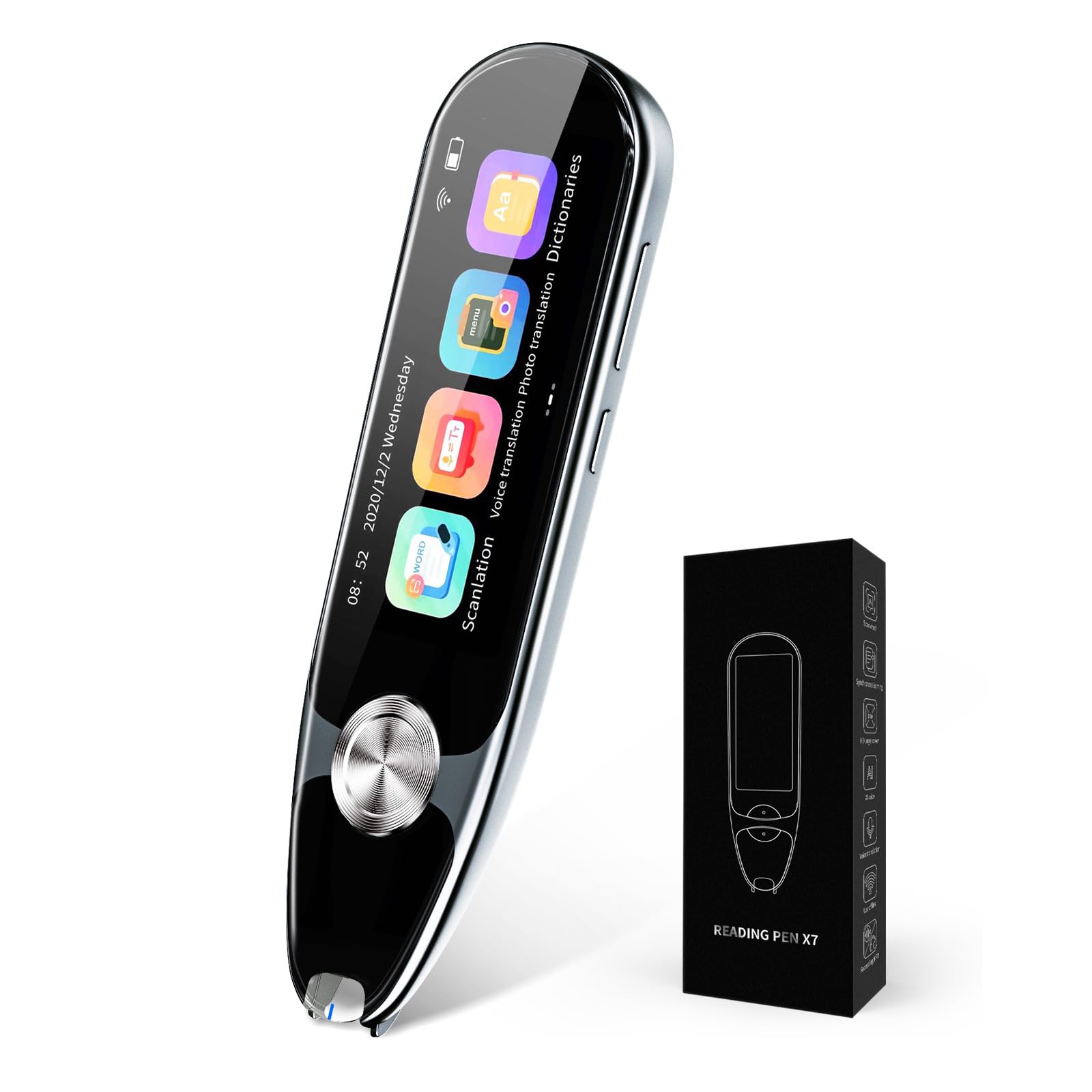
When shopping, focus on products that have been tested for reliability and ease of use. Avoid generic categories; instead, look for established tools like reading pens or electronic spell checkers that have proven track records. Official guidelines from sources like the ACL can help you navigate available resources and ensure you are making a safe, informed choice.
![Dragon Professional 16.0 Speech Dictation and Voice Recognition Software [PC Download]](https://m.media-amazon.com/images/I/71wQ93kHkxL._AC_UY654_QL65_.jpg)

As an Amazon Associate, we may earn from qualifying purchases.
Frequently asked questions about assistive technology
What are 5 examples of assistive technology? Assistive technology spans from low-tech aids to complex software systems. Common examples include text-to-speech readers, voice recognition programs like Dragon NaturallySpeaking, digital recorders for meetings, and specialized hardware such as reading pens or electronic spell checkers. Tablets and iPads with accessibility features also serve as versatile multi-purpose assistive devices.
What are the 5 P's of assistive technology? According to the World Health Organization, effective assistive technology relies on five interlinked areas: policy, products, personnel, provision, and people. This framework ensures that assistive devices are not just manufactured but are supported by regulations, trained staff, accessible distribution channels, and a focus on the user's specific needs.
How is assistive technology defined? Assistive technology is an umbrella term for products, systems, and services that help people with disabilities maintain or improve their functioning. As defined by the WHO, it includes everything from simple tools like grab bars to advanced technologies like wheelchairs and communication devices, designed to increase independence and participation.
No comments yet. Be the first to share your thoughts!