
How to pick assistive technology
Assistive technology (AT) covers a vast range of tools, from simple ergonomic grips to complex AI-driven communication devices. Before browsing specific products, it helps to narrow your search by identifying the primary barrier you want to address. The Assistive Technology Industry Association defines AT as any item or system used to increase, maintain, or improve functional capabilities. Starting with your specific need ensures you evaluate tools based on real-world utility rather than abstract features.
Visual Needs
If you rely on screen readers or magnification, prioritize software compatibility and hardware ergonomics. Look for devices that integrate seamlessly with your operating system and offer customizable contrast or text-to-speech speeds. High-quality screen readers often require dedicated hardware like refreshable braille displays or high-resolution magnifiers to be truly effective.
Auditory Needs
For hearing support, focus on devices that enhance speech clarity in noisy environments. This category includes hearing aids with Bluetooth connectivity, captioning apps for live conversations, and alert systems that use visual or tactile signals. When choosing hearing assistance, consider how well the device filters background noise, as this is often the biggest challenge for users.
Motor Needs
Motor impairments often require adaptive input devices. Consider whether you need alternative mouse controls, switch access devices, or voice recognition software. The goal is to find tools that reduce physical strain while maintaining precision. Ergonomic keyboards, trackballs, and eye-tracking software are common solutions, but the best choice depends on your specific range of motion and dexterity.
Cognitive Needs
Cognitive support tools focus on organization, memory, and focus. These might include digital planners with reminder features, noise-canceling headphones to reduce distractions, or software that simplifies user interfaces. Look for devices that offer clear, step-by-step guidance and minimize cognitive load. The right tool should help you manage tasks without adding complexity.
Use the checklist below to clarify your primary requirement before diving into product comparisons.
Best screen readers and magnifiers
Screen readers and magnification software act as the eyes and ears for digital interaction. For users with low vision or blindness, these tools translate on-screen content into speech or braille, or enlarge text and images to readable sizes. Choosing the right combination depends on your operating system, budget, and specific visual needs.
Top screen reader options
JAWS (Job Access With Speech) remains the industry standard for Windows users, offering deep integration with enterprise applications and extensive customization. NVDA (NonVisual Desktop Access) is a powerful, free, and open-source alternative that works well for both Windows and general web browsing. For Mac users, VoiceOver is built directly into the operating system, providing a seamless experience without additional installation. iOS and Android devices also include robust built-in screen readers—VoiceOver for Apple and TalkBack for Android—that support touch gestures and voice commands.
Magnification and display tools
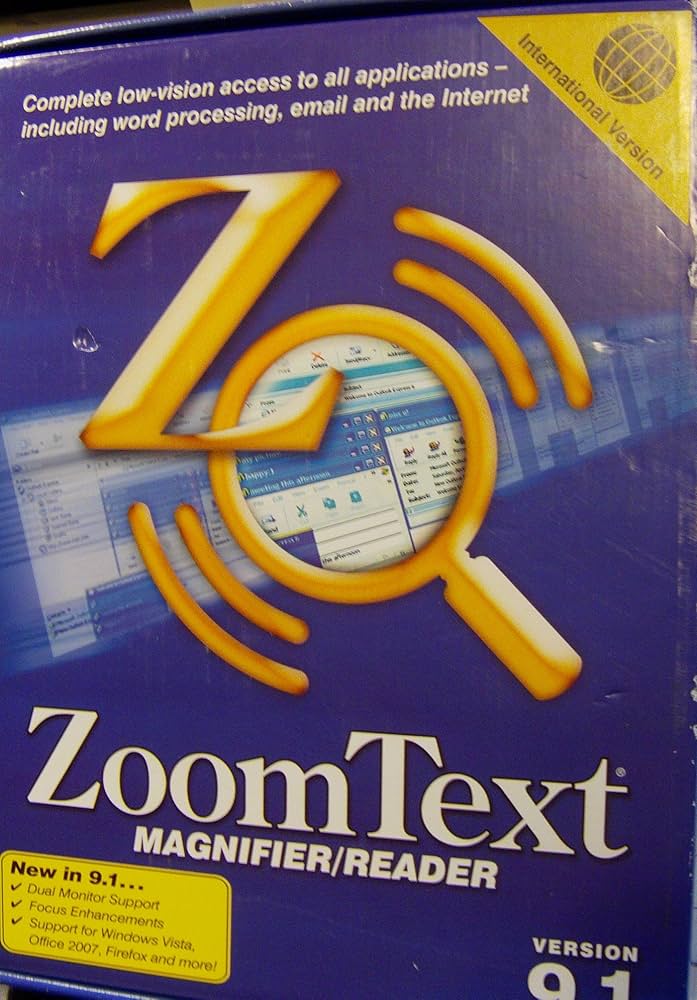
Magnifiers help users who retain some vision but struggle with small text or fine details. Windows and macOS include built-in magnifier tools that zoom in on specific areas of the screen. For more advanced needs, dedicated hardware magnifiers like the ORCam Read device can scan and read printed text aloud in real time. Software solutions like ZoomText combine magnification with screen reading capabilities, offering an all-in-one solution for users who need both features.
Hardware accessories
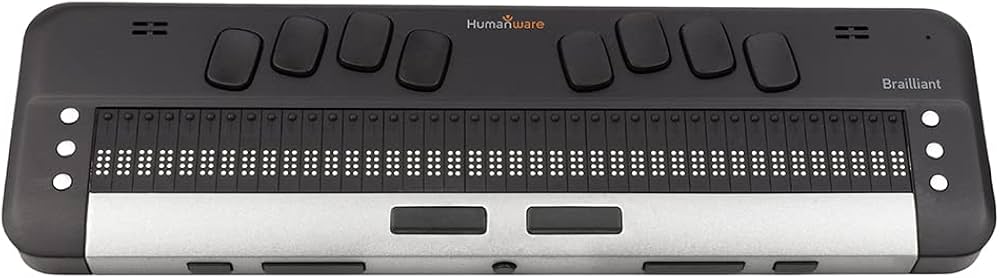
Physical accessories can significantly enhance the effectiveness of screen readers and magnifiers. Refreshable braille displays connect via USB or Bluetooth to provide tactile feedback for screen reader output. High-contrast keyboards and large-print labels help users navigate physical devices more easily. Joysticks and trackballs offer alternative pointing methods for those with limited motor control, ensuring full access to magnified interfaces.

As an Amazon Associate, we may earn from qualifying purchases.
Top speech-to-text and dictation tools
Voice input transforms typing into a conversation, offering a hands-free alternative for users with motor limitations or visual impairments. The right tool can significantly reduce physical strain and speed up document creation. We evaluated both dedicated hardware and software solutions to find the most reliable options for 2026.
Hardware: Dedicated Voice Recognition Keyboards
For users who need high accuracy without relying on cloud connectivity, dedicated hardware is often the best choice. These devices feature specialized keys and microphones designed specifically for voice commands, reducing background noise interference.


As an Amazon Associate, we may earn from qualifying purchases.
Software: Cloud-Based Dictation Suites
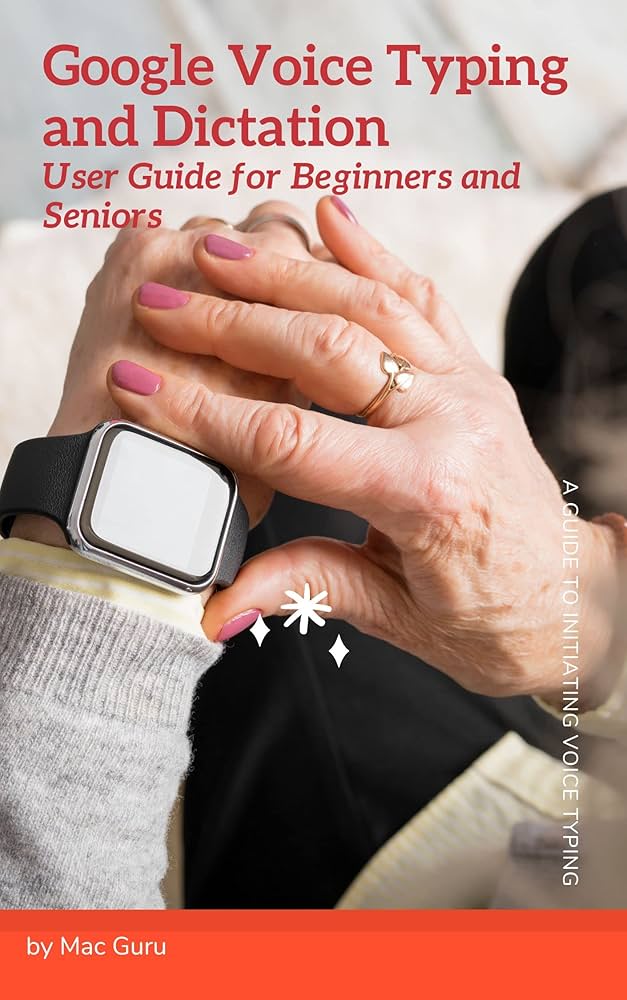
Cloud-based software offers greater flexibility and continuous improvement through AI updates. These tools integrate directly into operating systems, allowing users to dictate emails, documents, and messages across different applications seamlessly.

As an Amazon Associate, we may earn from qualifying purchases.
When choosing between hardware and software, consider your environment. Hardware is ideal for noisy offices or privacy-sensitive settings where cloud upload is restricted. Software is better for users who switch between multiple devices or need a budget-friendly entry point. Always test the microphone sensitivity in your specific workspace to ensure the best results.
Adaptive devices for mobility and daily tasks
Physical adaptive devices bridge the gap between ability and environment. While software handles digital access, hardware solutions address the mechanics of daily living. Specialized input devices, smart home integrations, and mobility aids allow users to navigate physical spaces with greater independence.
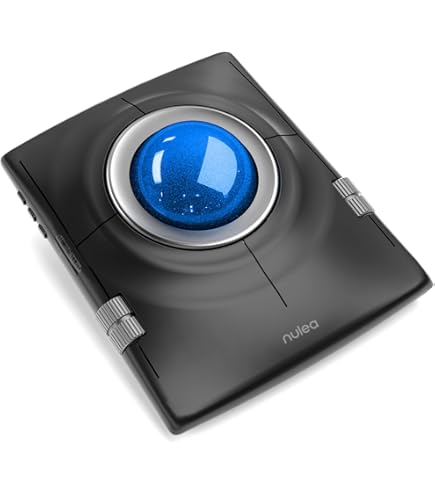
For computer users, standard peripherals often cause strain or require dexterity that may be limited. Adaptive mice, trackballs, and one-handed keyboards reduce physical effort. These tools translate natural movements into digital commands without requiring complex setup. Pairing them with voice recognition software creates a seamless workflow for typing, browsing, and communication.
Smart home hubs extend this independence beyond the desk. Voice-controlled lights, thermostats, and door locks remove the need for fine motor manipulation of switches and keys. Integration platforms allow users to automate routines, such as locking doors or adjusting lighting, through simple voice commands or scheduled triggers. This reduces the physical load of daily chores.
Mobility aids have also evolved. Lightweight, durable wheelchairs and walkers provide essential support while remaining easy to maneuver. For those with limited grip strength, adaptive utensils and jar openers restore the ability to eat and prepare food independently. These devices are not just tools; they are extensions of the user's capability.


As an Amazon Associate, we may earn from qualifying purchases.
Comparing assistive technology options
Choosing the right assistive technology involves balancing cost, platform compatibility, and specific features. The table below outlines the key differences between popular screen readers, speech-to-text tools, and adaptive hardware to help you find the best fit for your needs.
While price is a major factor, accessibility features often justify the investment. Screen readers like JAWS remain the gold standard for Windows users in professional settings, whereas NVDA offers a robust free alternative for personal use. Speech recognition tools like Dragon Professional provide significant productivity gains for those with motor impairments or dyslexia. For mobile users, apps like BlindSquare offer critical navigation support that integrates seamlessly with iOS.
When selecting assistive technology, consider your primary use case. If you need comprehensive desktop navigation, a dedicated screen reader is essential. For writing-heavy tasks, speech-to-text software may be more beneficial. Always verify compatibility with your existing devices before purchasing, as some high-end tools require specific operating systems or hardware configurations.
Frequently asked questions about assistive tech
Choosing the right assistive technology involves more than just picking a device; it requires understanding how it fits into your daily routine, budget, and existing digital ecosystem. Here are the most common practical questions we receive from readers navigating the assistive tech landscape.
No comments yet. Be the first to share your thoughts!